

Turn Any Photo into a 90s Camera Snapshot
Pick a look — 90s snapshot, disposable camera, warm or cool film, or flash party — and fine-tune the 90s photo filter. Free and instant; your photo stays in your browser.
More options
🔒 Your photo stays in your browser.
Free · no signup · no upload
90s Photo Filter Examples
Examples show real results from this tool on AI-generated portraits.
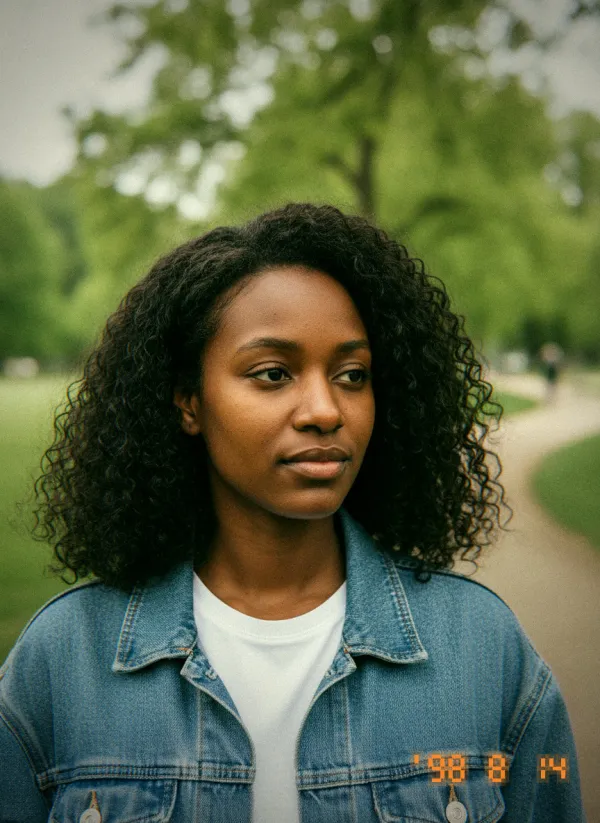
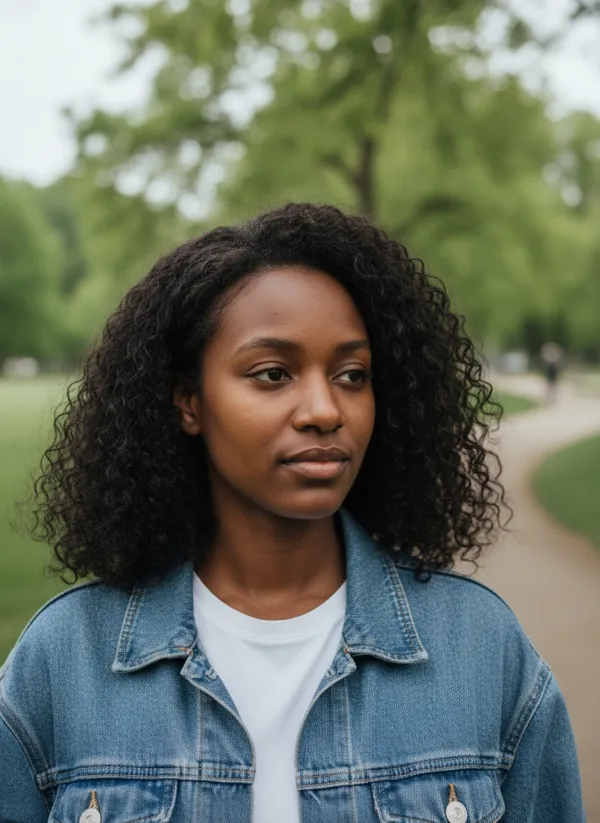 BeforeAfter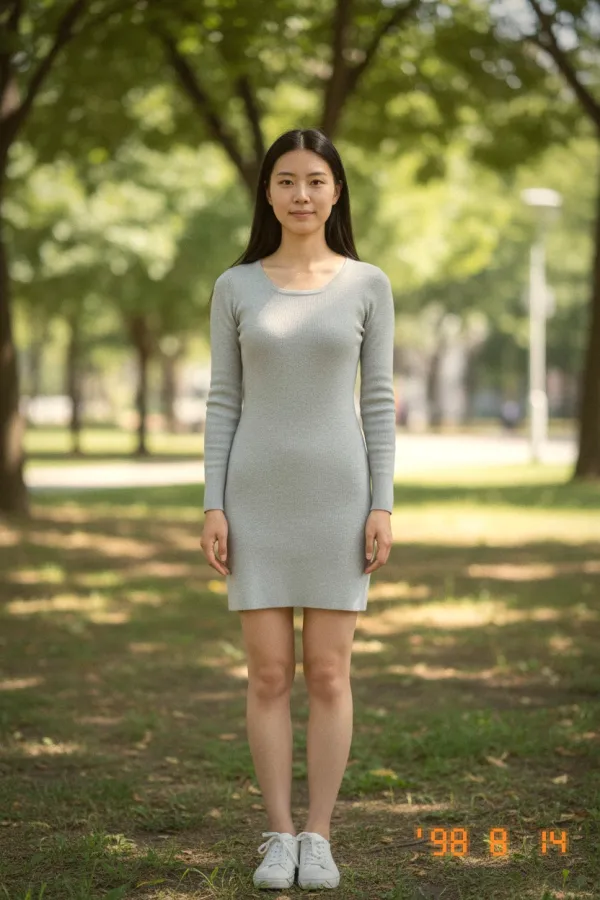
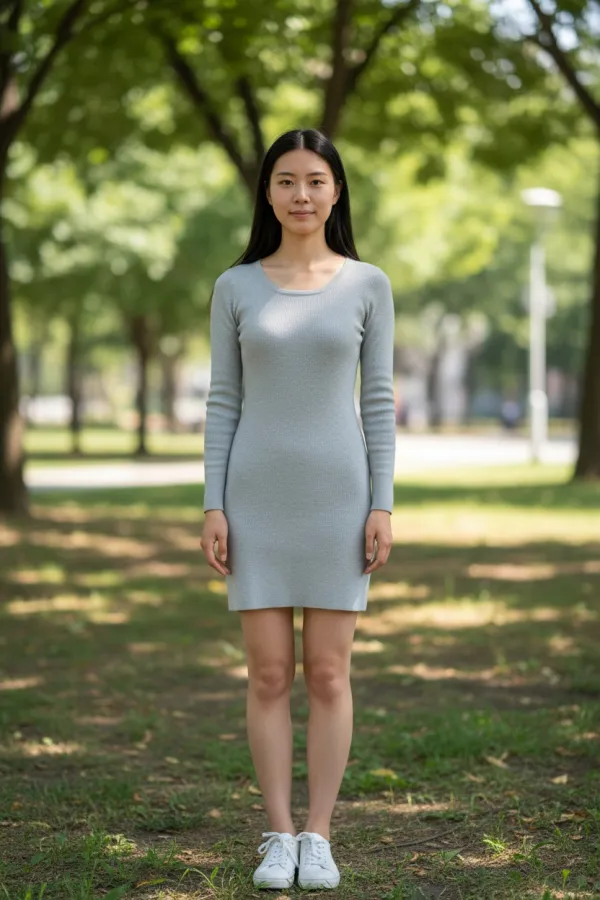 BeforeAfter
 BeforeAfter
Create a 90s Photo Effect Online
Each look rebuilds the details of a real 90s print instead of laying a color overlay on top, so it works on selfies, travel shots, pets and group photos alike.
90s Snapshot
A gently faded consumer print with warm highlights and an orange date stamp.
Disposable Camera
Punchy color, heavy grain and green-tinted shadows from a plastic lens.
Warm Film
Golden, soft and nostalgic — late-afternoon light on cheap film.
Cool Film
Blue-green, muted and moody, like a roll shot on a grey day.
Flash Party
Harsh on-camera flash, bright faces and dark edges.
Adjust the Retro Camera Look
Every preset is a starting point. Change any control and the preview updates straight away; “Reset to preset” brings the original look back.
Film Grain
Monochrome grain that scales with the image, from subtle to gritty.
Warmth
Shift the color from cool blue to golden yellow.
Fade
Lift the blacks for the matte look of an old print.
Contrast
Flatten or punch up the tones.
Bloom
A soft glow around the brightest highlights.
Vignette
Darker corners, like a cheap lens.
Chromatic Aberration
Red and blue fringes toward the edges of the frame.
Date Stamp
The orange seven-segment date in the corner, switchable on or off.
How to Use the 90s Photo Filter
- 01
Upload a Photo
Pick any JPEG, PNG or WebP. It opens on your device; nothing is uploaded.
- 02
Choose a 90s Preset
Start from 90s snapshot, disposable camera, warm film, cool film or flash party.
- 03
Fine-Tune the Effect
Adjust grain, warmth, fade and more, and switch the date stamp on or off.
- 04
Download Your Photo
Export as JPEG, PNG or WebP at full resolution.
Your Photo Stays in Your Browser
Unlike the AI tools on this site, the 90s filter runs entirely on your device. Your photo is never uploaded, stored or seen by us — it is decoded, filtered and exported by your browser, even at full resolution. That is also why it is free and has no daily limit.
What Makes a Photo Look Like the 1990s?
Cheap film stock and one-hour prints. Grain you could see, blacks that never got truly black, colors that drifted warm or green, a flash that lit the front of the room and left the rest in shadow — and that orange date burned into the corner.
A vintage filter usually imitates older processes, such as sepia prints or 1970s color film. A 90s filter is more specific: point-and-shoot flash, disposable cameras and the date stamp. For a different kind of throwback, see a younger or older you with AI age progression.
Where a 90s Filter Works Well
Retro Posts for Instagram and TikTok
Give a whole set of photos the same nostalgic look in seconds.
Party and Wedding Snaps
Turn phone photos into disposable-camera keepsakes.
Album Covers and Posters
Add authentic grain and a date stamp to a throwback design.
Throwback Gifts
Print a “found in a shoebox” version of a favorite memory.
Tips for an Authentic 90s Look
- Warm indoor photos with people suit the Flash party look.
- Bright outdoor photos look great with 90s snapshot or Warm film.
- Lower the grain for small profile pictures; raise it for large prints.
- Switch the date stamp off for a cleaner, film-only look.
Related Tools
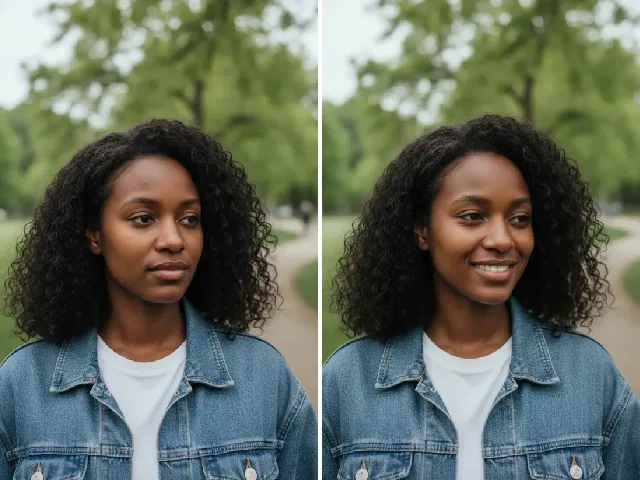 BeforeAfter
AI Smile Filter
Add a natural smile to a portrait before giving it the film look.
Try it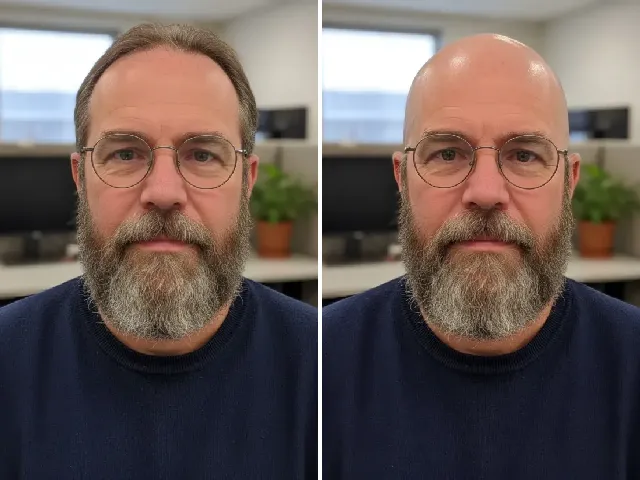 BeforeAfter
AI Bald Filter
Preview a buzz cut or shaved head on your own photo.
Try it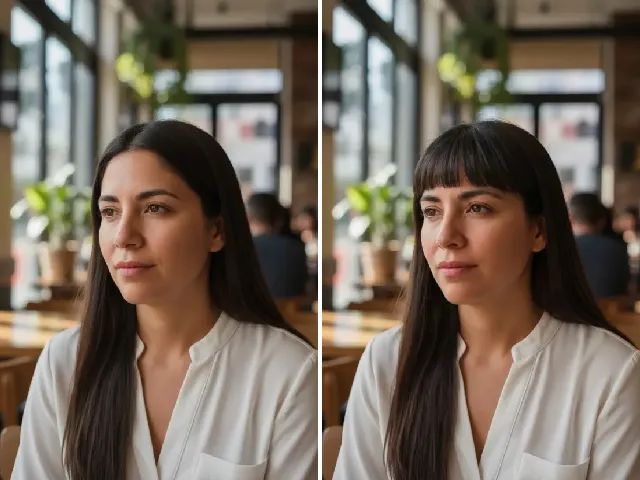 BeforeAfter
Bangs Filter
Bangs were everywhere in the 90s — try a fringe on your own photo.
Try itWant something else? Browse all tools for smiles, hairstyles, braces, piercings and more.
Frequently Asked Questions
Is the 90s photo filter free?
Yes — completely free, with no account, no credits and no daily limit, because it runs on your own device.
Does my photo get uploaded?
No. Your photo stays in your browser. It is processed on your device and never sent to our servers.
Can I add film grain?
Yes. Every preset includes grain, and the Film grain control takes it from barely visible to gritty.
Can I add a date stamp?
Yes. Switch on Date stamp to add today’s date in orange, 90s camera style, in the bottom corner.
Can I make the effect stronger or weaker?
Yes. The Intensity control blends between your original photo and the full effect, and every other control can be adjusted separately.
What is the difference between a 90s filter and a vintage filter?
A vintage filter often imitates older looks such as sepia or 1970s film. A 90s filter recreates point-and-shoot and disposable cameras: flash, grain, faded prints and the date stamp.
Can I export the result as JPEG or PNG?
Yes — JPEG or PNG, and WebP where your browser supports it, at up to 4096 pixels on the longest side.