

See What You’d Look Like Bald with AI
Thinking about shaving your head? Upload a photo and try the bald filter: preview a clean bald look, a buzz cut or a receding hairline before you pick up the clippers.
Turn off to see a clean-shaven face too.
Photos are processed privately and deleted automatically.
AI Bald Filter Examples: Before and After
Examples show real results from this tool on AI-generated portraits.

 BeforeAfter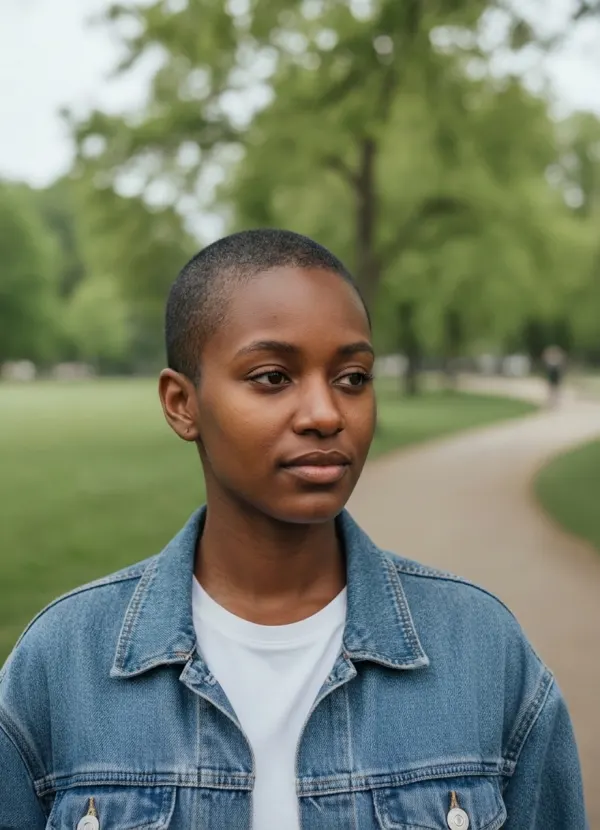
 BeforeAfter
 BeforeAfter
Try a Realistic Bald Filter Online
This bald filter removes only the hair on top of your head. Eyebrows, eyelashes and facial hair stay where they are, the new scalp matches your skin tone and the light in the photo, and your face, expression and background are left alone. Pick the style closest to what you are considering.
Clean Bald
A fully shaved, smooth scalp that follows the natural curve of your skull.
Buzz Cut
A very short all-over clipper cut that keeps your hairline, so you see the shape without going fully bald.
Short Buzz
A slightly longer buzz with visible texture — the middle ground between a crop and a clean shave.
Receding Hairline
Hair thinned back at the temples and crown, for a calm look at a common pattern of hair loss.
Preview a Shaved Head Before You Commit
Shaving your head is quick to do and slow to undo. A realistic shaved head simulator answers the real questions first: does your head shape suit it, is a buzz cut better than fully bald, and does it work with your beard or glasses?
Decide Before You Shave
See whether a shaved head or a buzz cut suits you before making a change that takes months to grow back.
Plan for Hair Loss
Take a calm, private look at a receding hairline or a full shave if your hair is already thinning.
Charity Shaves and Challenges
Preview your look ahead of a head-shaving fundraiser or a bet with friends.
Try It with Your Style
Check how a buzz cut works with your beard, your glasses or a new piercing.
What Would I Look Like Bald?
Most people are surprised by how different they look without hair — sometimes better, sometimes not. Head shape, ear position, skin tone and facial hair all change the result, which is why a preview on your own photo tells you far more than comparing yourself with a bald celebrity.
Hair loss and age often arrive together. If you want to see both, run your photo through AI age progression as well and compare the two looks.
How to Use the AI Bald Filter
- 01
Upload a Clear Photo
A front-facing photo with your hairline and ears visible works best. JPEG, PNG or WebP up to 10 MB.
- 02
Choose a Bald Style
Pick clean bald, buzz cut, short buzz or a receding hairline.
- 03
Keep or Remove Facial Hair
Leave “Keep beard and mustache” on to keep your facial hair, or switch it off to see a clean-shaven face as well.
- 04
Generate and Compare
Slide between before and after, try another style, and download the look you like best.
Tips for the Best Bald Preview
- Face the camera so your hairline and both ears are visible.
- Pull long hair back behind your shoulders if you can.
- Take off hats, headbands and hoods — they hide the head shape the filter needs.
- Even light from the front gives the most natural-looking scalp.
- Try both Buzz cut and Clean bald: many people end up preferring the one they didn’t expect.
Related Appearance Tools
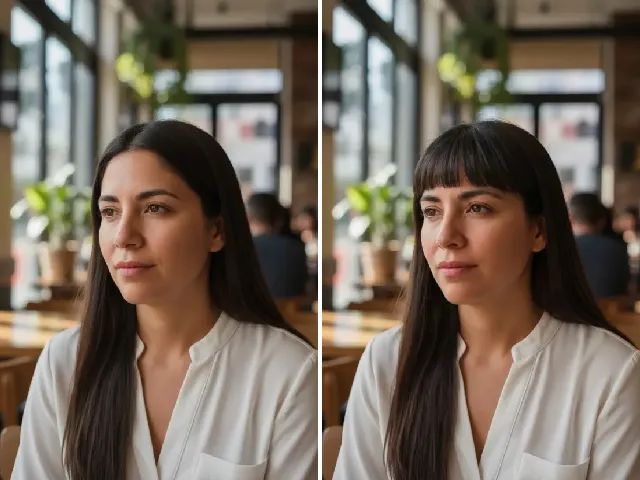 BeforeAfter
Bangs Filter
Not ready to shave it all off? Try a fringe instead.
Try it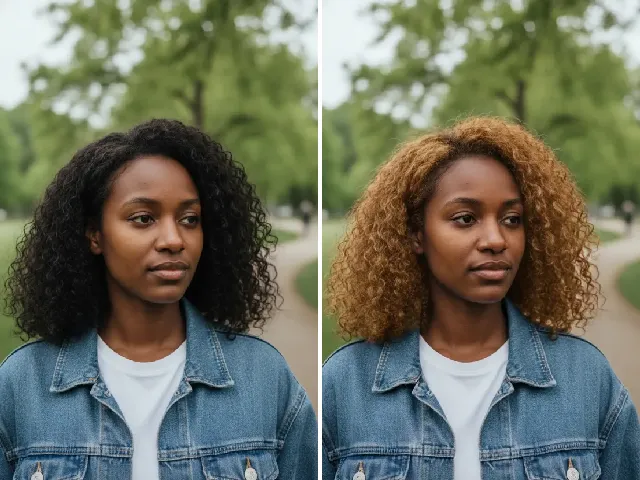 BeforeAfter
Blonde Hair Filter
Change the color instead of the length: preview blonde hair.
Try it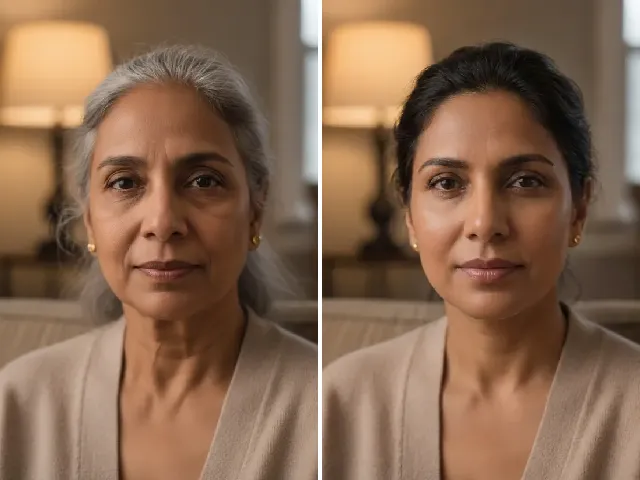 BeforeAfter
AI Age Progression
Add a few decades to your new bald look and see how it ages.
Try it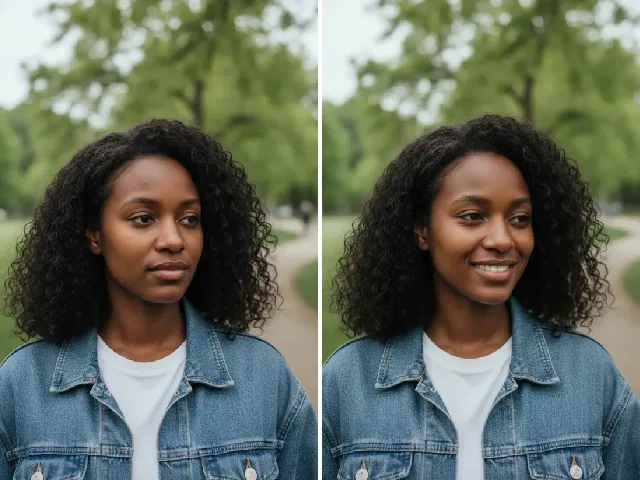 BeforeAfter
AI Smile Filter
Pair a fresh buzz cut with a relaxed smile for a new profile photo.
Try itFrequently Asked Questions
Is the bald filter free?
You can try it once a day without an account. A free account adds bonus credits; each result uses two credits.
Will it remove my eyebrows?
No. Only the hair on top of your head changes. Eyebrows and eyelashes are always kept exactly as they are.
Can I keep my beard and mustache?
Yes. “Keep beard and mustache” is on by default. Switch it off to see a fully clean-shaven face with the same bald style.
Does it work with long hair?
Yes, but results are more accurate when your ears and hairline are visible. With very long hair the AI has to imagine more of your head shape.
Can I try a buzz cut instead of fully bald?
Yes. Choose Buzz cut or Short buzz to see a very short haircut that follows your natural hairline.
Can it show a receding hairline?
Choose the Receding style to preview hair thinning at the temples and crown. It is a visualization, not a prediction of your future hair.
What kind of photo works best?
A sharp, front-facing photo in even light, with your hairline and both ears visible and nothing on your head. Hats and hoods hide the head shape the filter relies on.
What happens to my photo?
Your photo is used only to create your bald preview and is deleted automatically — after 24 hours without an account, after 30 days with one. We never use photos to train AI.