

See What You’d Look Like with Bangs
Thinking about a fringe? Upload a photo and the bangs filter adds curtain, wispy, straight, side, front or short bangs to your own hair — same color, same length, same face.
Photos are processed privately and deleted automatically.
Bangs Filter Examples: Before and After
Examples show real results from this tool on AI-generated portraits.
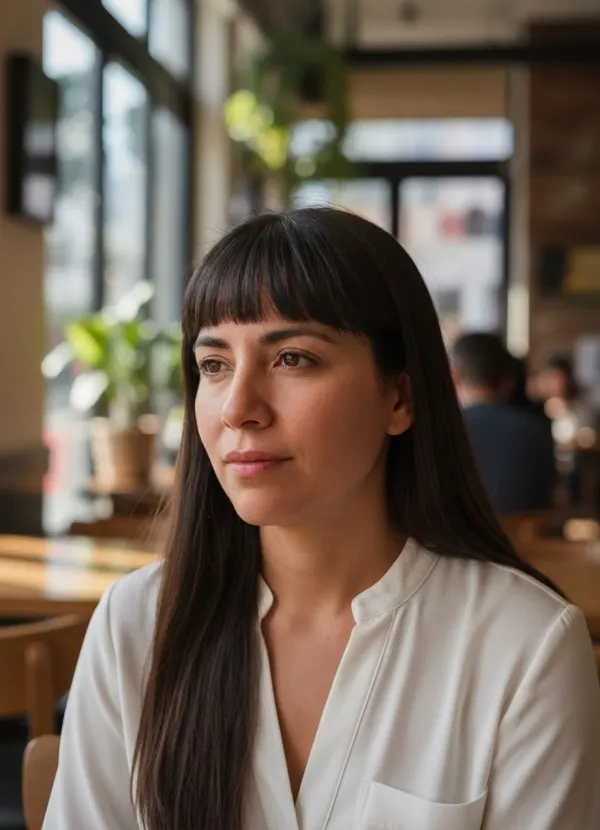
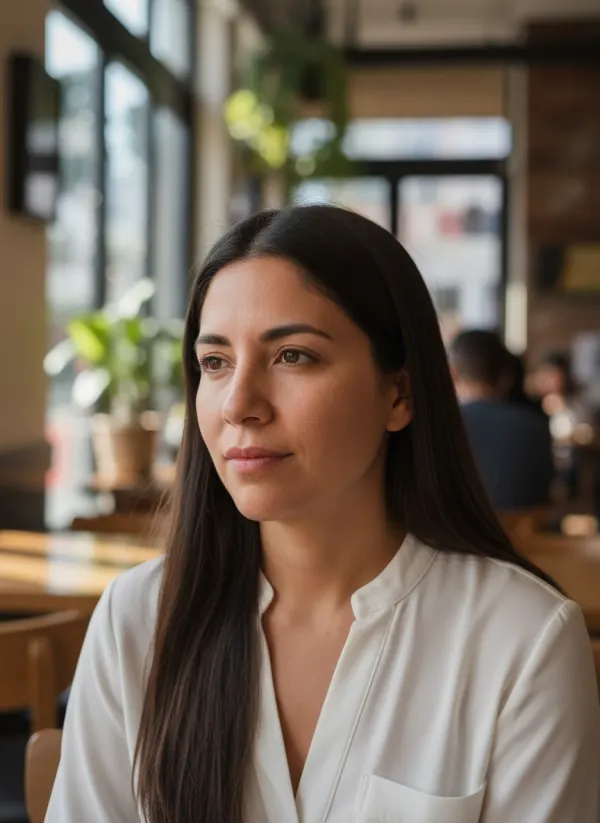 BeforeAfter
 BeforeAfter
 BeforeAfter
Try Different Bang Styles on Your Photo
Bangs are cut into the hair you already have, in your own color and texture, so the preview shows the fringe itself rather than a new hairdo. Six styles cover what stylists are asked for most:
Curtain Bangs
Parted in the middle and swept outward, they frame the eyes and blend into longer layers.
Wispy Bangs
A light, feathered fringe with gaps that let some forehead show — the softest commitment.
Straight Bangs
Blunt and dense, cut in one clean line just above the brows for a graphic look.
Side Bangs
Longer pieces swept across the forehead to one side, easy to grow out later.
Front Bangs
A full fringe falling straight down to the eyebrows, with soft, textured ends.
Short Bangs
Baby bangs that stop mid-forehead — bold, and very different on every face.
What Would I Look Like with Bangs?
Upload a front-facing photo, pick a style and you will see a fringe added to your own hair in seconds. The honest answer to the question depends on your forehead height, face proportions, hair texture and even your cowlicks, which is exactly why a preview on your own face says more than any photo of someone else.
If a fringe is part of a bigger change, try a lighter shade too with the blonde hair filter.
Try Bangs Before You Cut Your Hair
Bangs take seconds to cut and months to grow out. Seeing curtain and straight bangs side by side on your own photo turns a leap of faith into a decision you can make calmly — and gives your stylist a clear picture of what you have in mind.
How the Bangs Filter Works
- 01
Upload a Clear Photo
Use a front-facing photo with your forehead and hairline visible. JPEG, PNG or WebP up to 10 MB.
- 02
Choose a Bang Style
Curtain, wispy, straight, side, front or short.
- 03
Generate Your Preview
The fringe is cut into your existing hair, matching its color and texture.
- 04
Compare Before and After
Drag the slider, try another style, and save the one you want to show your stylist.
Which Bang Style Should I Try?
There is no single right answer; it comes down to taste, hair texture and how much styling you want to do each morning. A few things are worth knowing before you choose:
Curtain and side bangs blend into longer hair and are the easiest to grow out. Wispy bangs are the lightest option and suit people who want a fringe without covering the forehead. Straight and front bangs make a stronger statement and need regular trims to stay at brow length. Short bangs are the boldest of all.
“Fringe” is simply the British word for bangs — the same cut goes by both names.
When a Bangs Preview Helps
Decide Before the Salon
Settle the “bangs or no bangs” question before you are in the chair.
Show Your Stylist
Bring a preview of the exact style on your own face instead of a stranger’s photo.
Compare Styles Side by Side
Generate curtain, wispy and straight bangs from one photo and flip between them.
Tips for the Most Realistic Bangs Preview
- Face the camera with your forehead and hairline visible.
- Push hair off your forehead — existing bangs or strands hide the hairline.
- Use even, soft light without strong shadows across the face.
- Pick a sharp photo where your head fills a good part of the frame.
- Take off hats, headbands and sunglasses.
Related Hair Preview Tools
 BeforeAfter
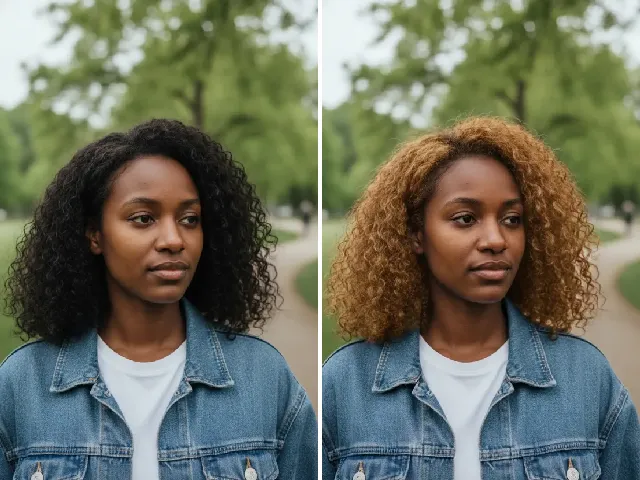
Blonde Hair Filter
Pair your new fringe with golden, platinum or ash blonde hair.
Try it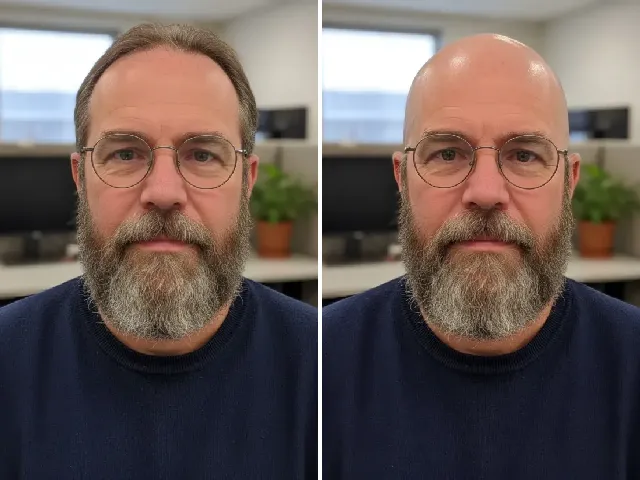 BeforeAfter
AI Bald Filter
Going the other way? Preview a buzz cut or a clean-shaved head.
Try it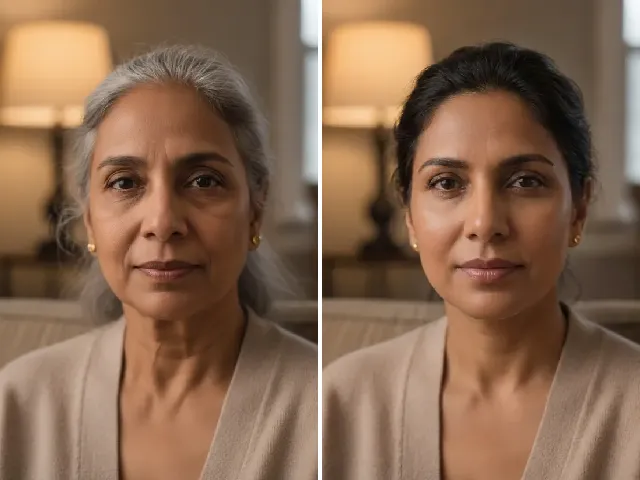 BeforeAfter
AI Age Progression
See how your fringe and face might look at 30, 60 or 90.
Try it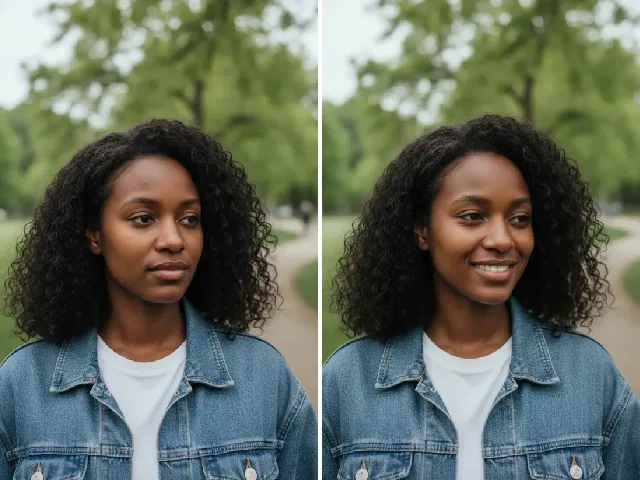 BeforeAfter
AI Smile Filter
Finish the new look with a natural smile.
Try itFrequently Asked Questions
Is the bangs filter free?
You can try it once a day without an account. A free account adds bonus credits; each result uses two credits.
What would I look like with bangs?
Upload a front-facing photo and choose a style: you will see bangs cut into your own hair, in your own color, with your face unchanged.
Can I try curtain bangs?
Yes. Curtain is the default style — center-parted bangs that sweep out to frame your eyes.
Can I try wispy bangs?
Yes. Choose Wispy for a light, feathered fringe that lets some of your forehead show.
Can I see front bangs before cutting my hair?
Yes. Choose Front for a full fringe down to the eyebrows, or Straight for a blunt one, and compare them before you book the cut.
Does the tool work with long hair?
Yes. The rest of your hair keeps its length and style; only the front is cut into bangs. Very short hair gives the model less to work with.
Will my face stay the same?
Yes. Your eyes, features, skin and expression are kept; only the hair over your forehead changes.
What photo works best?
A sharp, front-facing photo in even light, with your forehead and hairline visible and no hat or headband. It is used only for your preview and deleted automatically.