

See What You’ll Look Like at Any Age with AI
Upload a clear photo, choose a target age, and AI age progression shows an older — or younger — version of you. Your features, pose and background stay the same.
More options
Helps us get the direction and amount of change right.
The result is a creative visualization, not a biological prediction of future aging.
Photos are processed privately and deleted automatically.
AI Age Progression Examples
Examples show real results from this tool on AI-generated portraits.
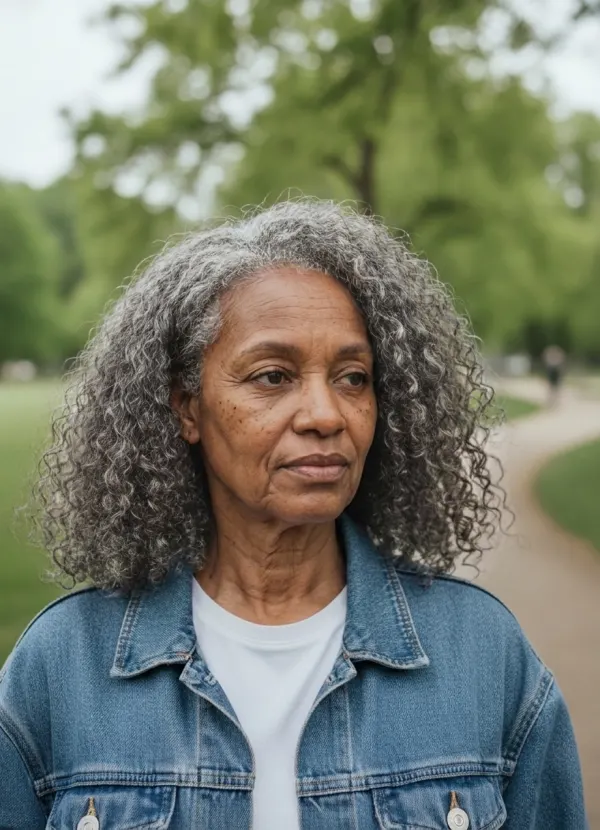
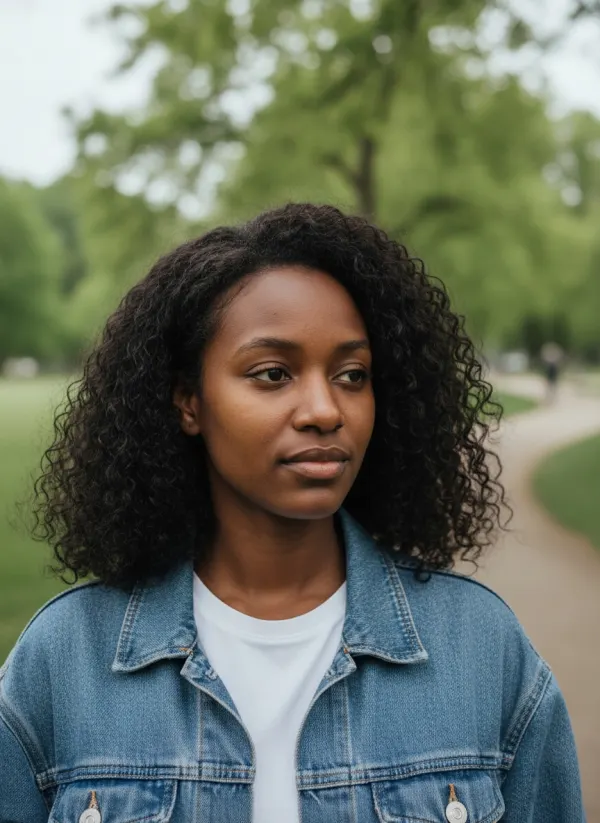 BeforeAfter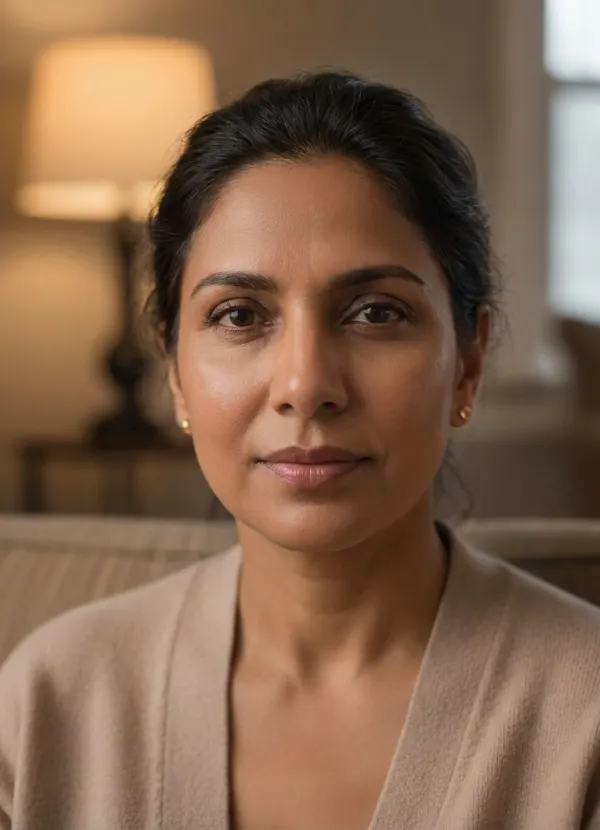
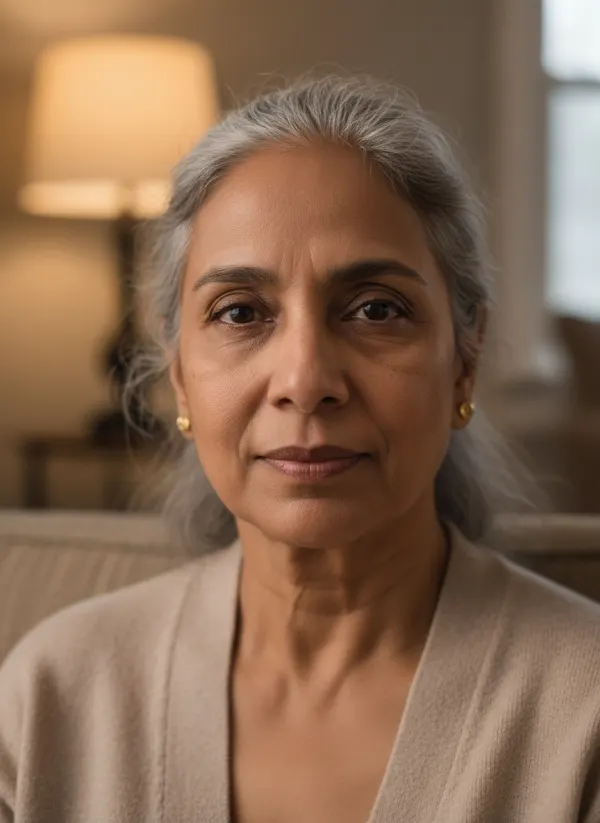 BeforeAfter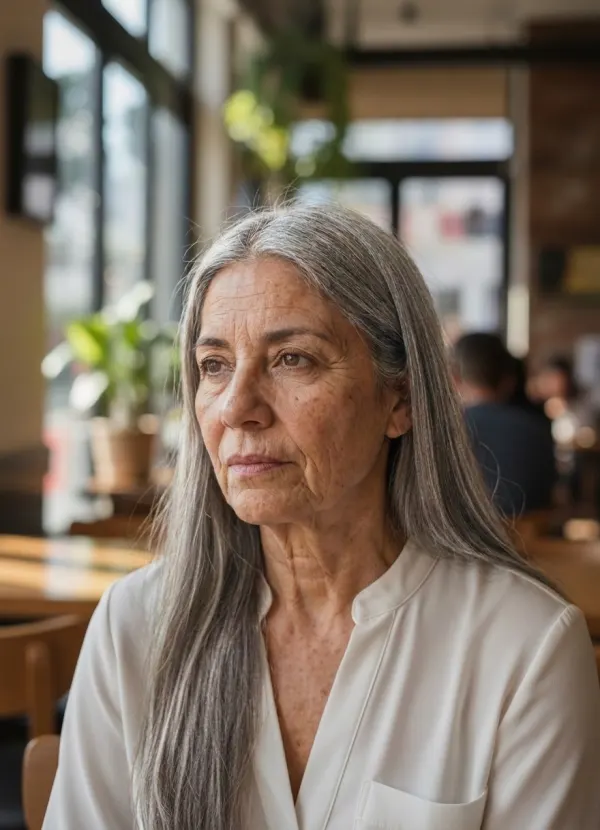
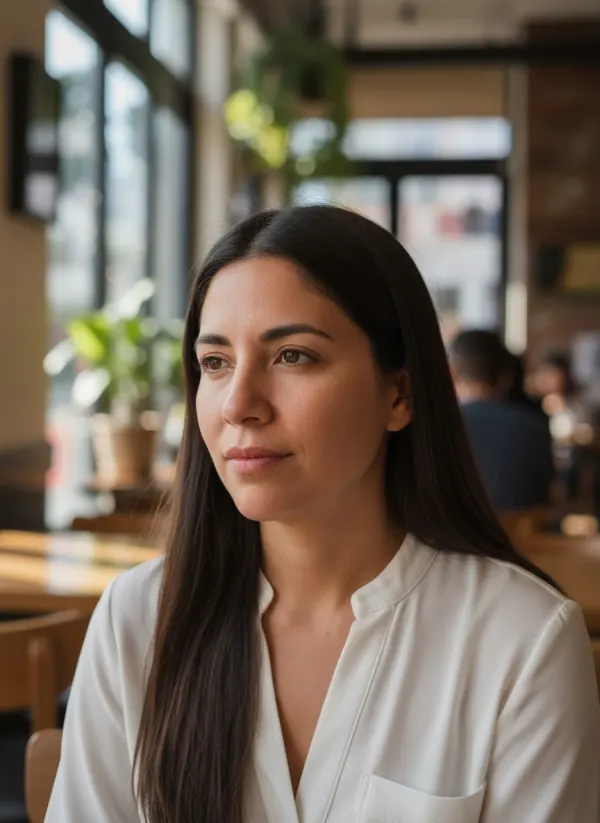 BeforeAfter
Choose a Target Age
Use the slider for any age from 18 to 90, or jump straight to one of these steps. If you enter your current age, the change is sized to the gap between now and then; otherwise it is estimated from your photo.
Age 18
A fresh-faced young adult version — the youngest the tool goes.
Age 30
Early adulthood: firm skin, full hair, the first faint expression lines.
Age 45
Midlife details such as softer skin, a few grey strands and deeper smile lines.
Age 60
Visible wrinkles around the eyes and mouth, greying hair and some loss of firmness.
Age 75
Thinner skin, silver hair and deeper folds, while you stay recognizable.
Age 90
The oldest step: fine texture, white hair and a slimmer face.
See an Older or Younger Version of Yourself
The same tool works in both directions. Move the target above your current age for classic age progression, or below it for age regression — a younger adult version of you. It never goes below 18, so it will not turn an adult photo into a child.
Because it starts from your own features, the result looks like you at another age rather than a generic older face.
How AI Age Progression Works
- 01
Upload a Clear Portrait
A sharp, front-facing photo with your whole face visible works best.
- 02
Choose a Target Age
Pick any age from 18 to 90; optionally enter your current age for a precise gap.
- 03
Generate Your Age Preview
The tool works out whether to age you up or down, and by how much.
- 04
Compare and Download
Slide between now and then, and save the version you like.
What Changes in an AI Age Preview?
Only what time changes. Skin texture and firmness, hair color and density, and facial volume move with the target age; bone structure, eye shape and color, nose and skin tone stay yours. Pose, clothing, background and lighting are left alone.
Hair is part of aging for many people — to see a shaved head at any age, combine this with the bald filter.
Ways to Use an Age Progression Preview
Satisfy Your Curiosity
Get a private glimpse of yourself at 60 or 80, in seconds.
Growing Old Together
See how you and your partner might look decades from now.
Characters and Storytelling
Age an actor or character for a film, comic or game concept.
Look Back
Choose a younger target to see a fresher-faced adult version of yourself.
Tips for More Consistent Age Progression
- Use a sharp, front-facing photo with your whole face visible.
- Soft, even light shows skin changes most realistically.
- Take off sunglasses and hats, and skip heavy beauty filters.
- Enter your current age for a more precise amount of change.
- For a series, keep the same photo and change only the target age.
Related Tools
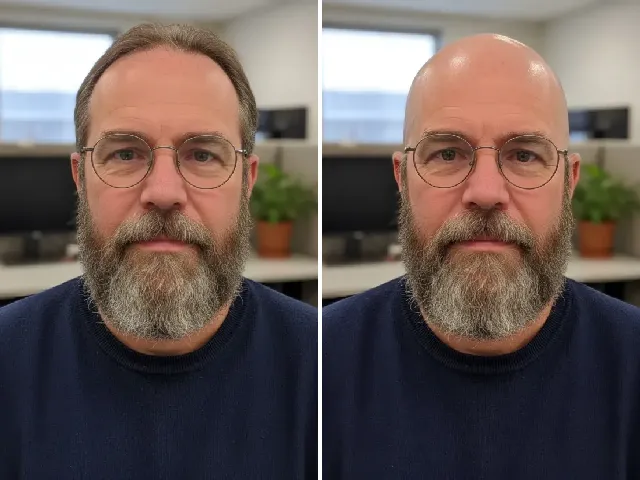 BeforeAfter
AI Bald Filter
Add hair loss to the picture: preview a shaved head or receding hairline.
Try it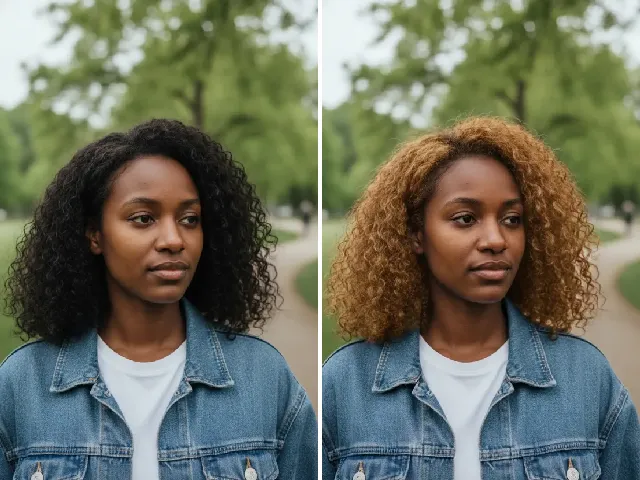 BeforeAfter
Blonde Hair Filter
Try a new hair color on your younger or older self.
Try it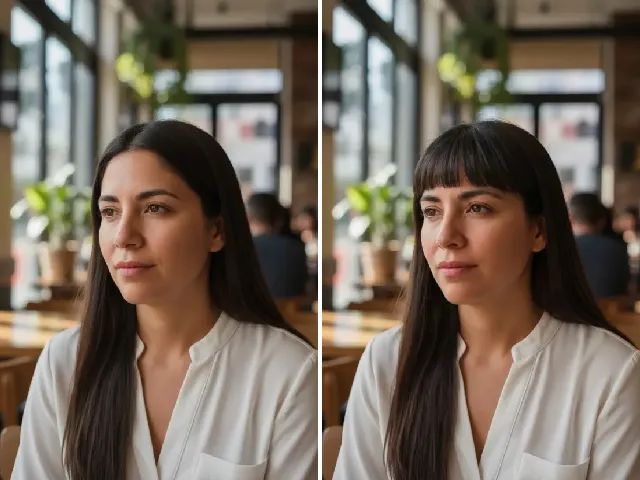 BeforeAfter
Bangs Filter
See how a fringe changes your face at another age.
Try it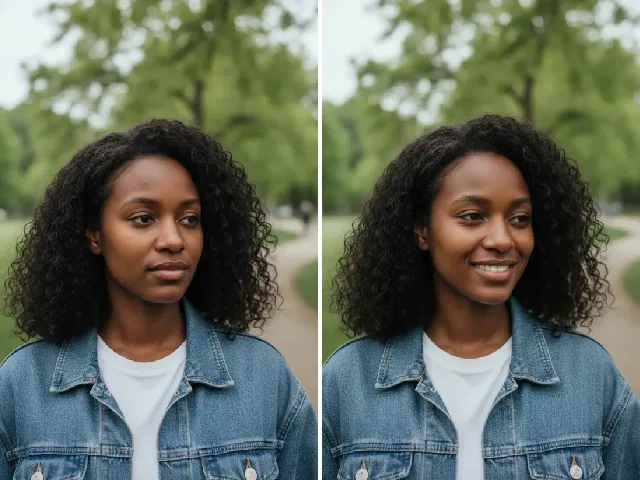 BeforeAfter
AI Smile Filter
Give your older or younger self a natural smile.
Try itFrequently Asked Questions
Is AI age progression free?
You can try it once a day without an account. A free account adds bonus credits; each result uses two credits.
Can I see myself older?
Yes. Choose a target age above your current age, up to 90, to see an older version of yourself.
Can I see myself younger?
Yes. Choose a target age below your current age to see a younger adult version of yourself. The minimum is 18.
Can I choose an exact target age?
Yes. The slider goes year by year from 18 to 90, with quick picks at 18, 30, 45, 60, 75 and 90.
What would I look like in 20 years?
Enter your current age, set the target 20 years higher and generate. The change is sized to exactly that gap.
Will the result still look like me?
That is the goal: bone structure, eye shape, nose and skin tone are preserved while age-related details change.
Is the result a real prediction of how I will age?
No. It is a creative visualization, not a biological prediction. Real aging depends on genetics, health, sun and lifestyle.
What happens to my photo?
It is processed privately to create your age preview and deleted automatically — after 24 hours without an account, after 30 days with one. We never use photos to train AI.