
AI Fat Filter & Weight Gain Simulator
Upload a photo to preview a fuller appearance with the AI fat filter — on your face, your body or both. Your features, outfit and background stay the same.
Creative appearance simulation only — not a health or fitness prediction.
Photos are processed privately and deleted automatically.
AI Fat Filter Examples: Before and After
Examples show real results from this tool on AI-generated portraits.
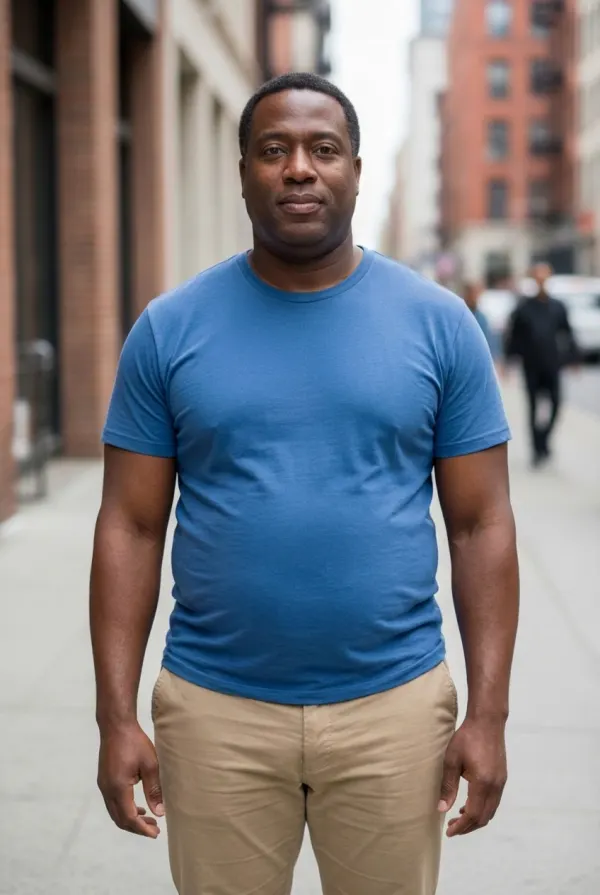
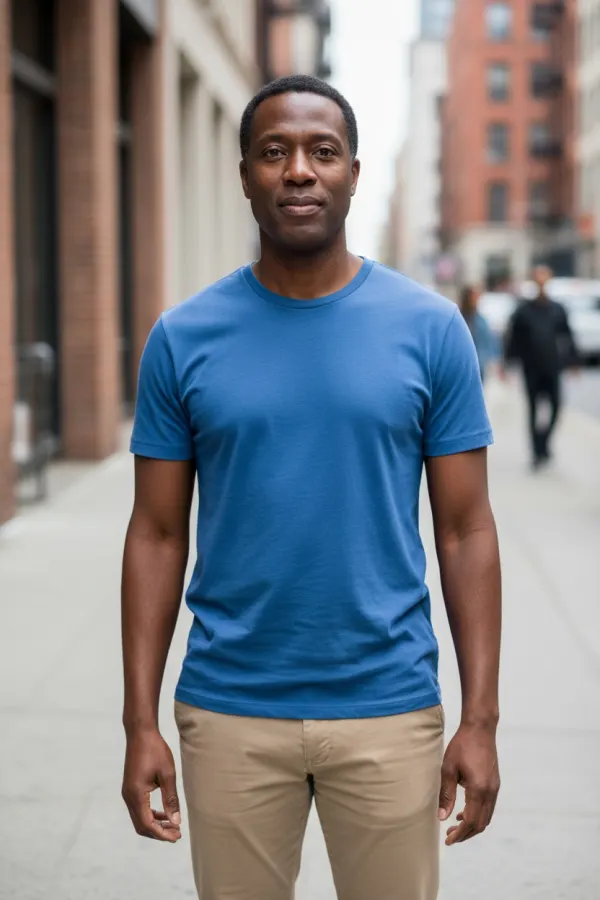 BeforeAfter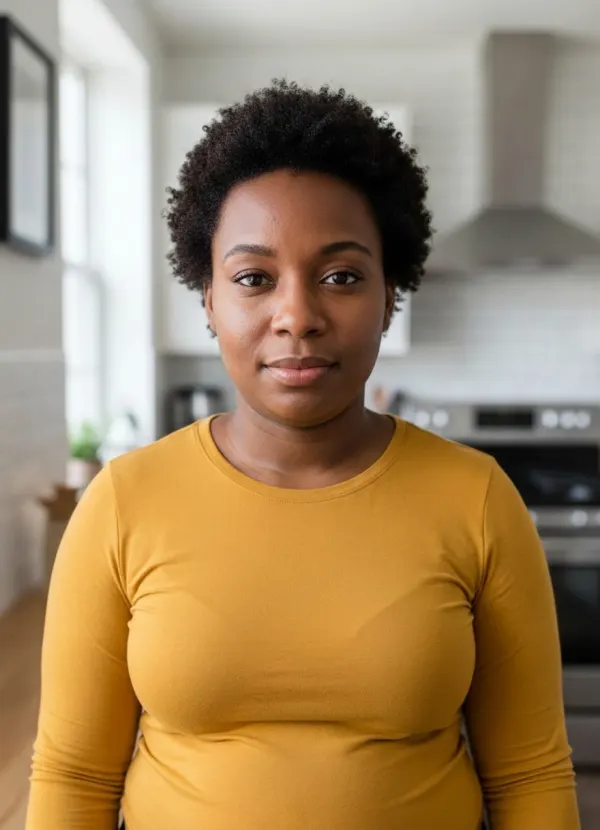
 BeforeAfter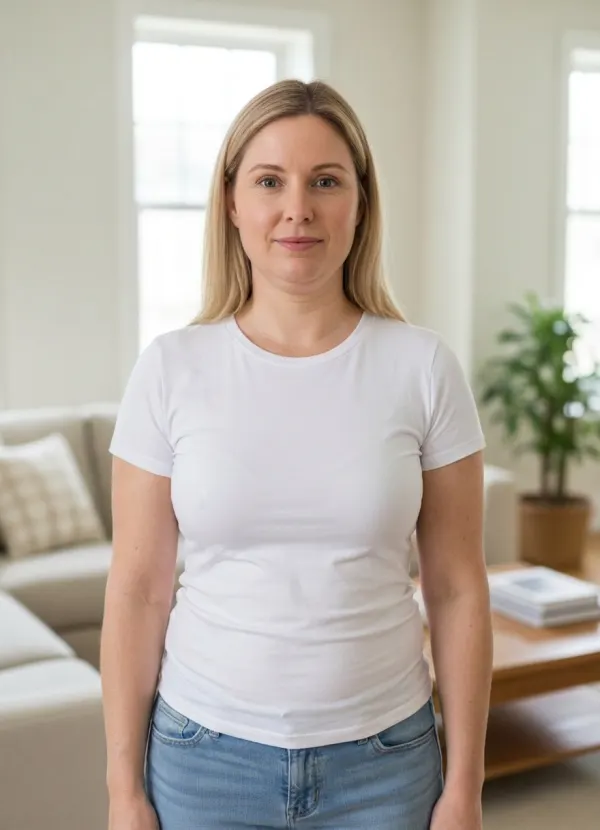
 BeforeAfter
Preview Weight Gain on Your Photo with AI
Many fat filters stretch a face into a cartoon. This weight gain simulator stays realistic: it adds fullness where weight actually shows and lets the same clothes fit differently, while your identity, expression and background stay untouched. Choose where the change appears:
Face Only
Fuller cheeks, a softer jawline and a rounder neck, with the body left as it is. Best with a close-up.
Body Only
Arms, waist and hips fill out and the clothes fit differently, while the face stays exactly the same.
Face + Body
A consistent change across face and body — the most natural choice for full-length photos.
Choose How Strong the Change Looks
Three steps cover everything from “a little softer” to a clearly heavier build. You can generate the same photo at each strength and slide between them.
Mild
A slightly fuller appearance — the kind of change a few months can bring.
Medium
A noticeably fuller face and body that still reads as the same person at a glance.
Strong
A much fuller build, useful for character work and costume planning.
How the AI Fat Filter Works
- 01
Upload a Photo
A close-up works for face changes; a full-length photo is best for the body.
- 02
Choose Face or Body
Set “Apply to” to face and body, face only or body only.
- 03
Set the Strength
Pick mild, medium or strong.
- 04
Generate and Compare
Slide between before and after, then save the preview or try another strength.
A Creative Appearance Simulation, Not a Prediction
Weight is distributed differently for everyone, so the result is one plausible look rather than a forecast of how your body would change. It is not a health, fitness or body-weight tool, and it should never be used to shame anyone — only edit photos of people who agreed to it.
If you are exploring other body changes, the pregnant AI generator adds a baby bump instead of overall fullness.
Why People Use a Weight Gain Simulator
Role and Costume Preparation
Actors and cosplayers can preview a character’s build before fittings or padding.
Characters and Storytelling
Show a character changing over time in comics, films or games.
Private Curiosity
Wondering how you would look with a fuller face? See it privately, in seconds.
Tips for a More Realistic Weight Gain Preview
- For body changes, use a full-length photo where you face the camera.
- For face changes, a clear front-facing close-up works best.
- Keep bags and crossed arms away from the body so the outline is visible.
- Fitted clothes show the change more naturally than very loose layers.
- Soft, even light avoids shadows that the model may read as extra volume.
Related Tools
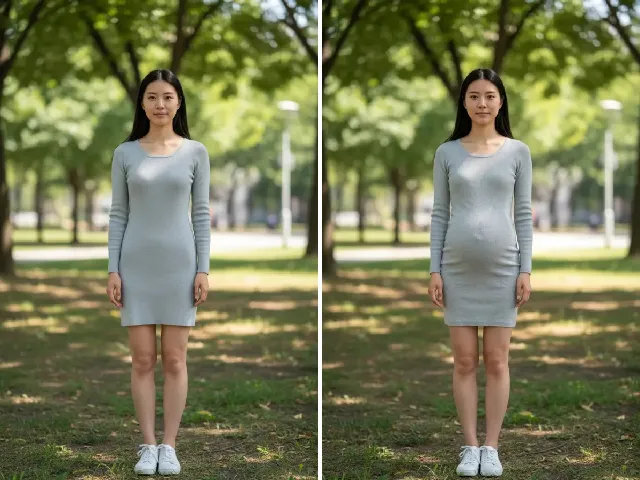 BeforeAfter
Pregnant AI Generator
Preview a baby bump at an early, mid or late stage instead of overall weight.
Try it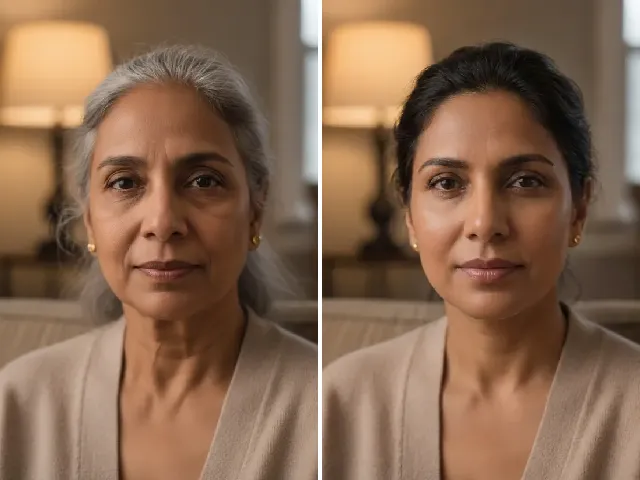 BeforeAfter
AI Age Progression
Combine a fuller look with an older or younger version of yourself.
Try it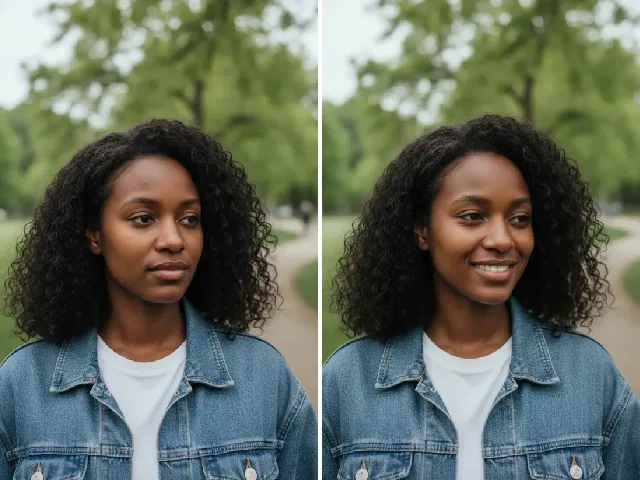 BeforeAfter
AI Smile Filter
Add a natural smile to the same portrait.
Try it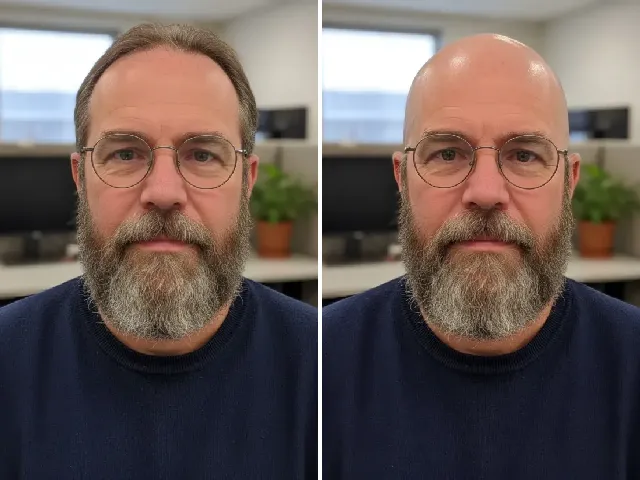 BeforeAfter
AI Bald Filter
See how a shaved head or buzz cut works with a fuller face.
Try itFrequently Asked Questions
Is the AI fat filter free?
You can try it once a day without an account. A free account adds bonus credits; each result uses two credits.
Can I change only my face?
Yes. Set “Apply to” to Face only. The body and clothes stay as they are.
Can I change only my body?
Yes. Choose Body only to keep your face unchanged while the body fills out.
Can I choose how much weight gain to simulate?
Yes. Mild, Medium and Strong give three clear steps; generate each to compare them.
Will my face still look like me?
Your features, expression, hair and clothes are preserved, so the preview reads as you with a fuller appearance rather than someone else.
Does it work with full-body photos?
Yes — full-length photos give the most natural body changes. For face-only changes, a close-up works just as well.
Is this a health or body-weight prediction?
No. It is a creative appearance simulation, not a health, fitness or medical prediction. Real bodies change in many different ways.
What happens to my uploaded photo?
It is processed privately for your preview and deleted automatically — after 24 hours without an account, after 30 days with one. We never use photos to train AI.