

Hair Color Changer: Try a New Color on Your Own Photo
Upload a photo, pick a color and the hair color changer dyes your own hair on screen — black, brown, red, blonde, purple, pink, blue or gray. Your haircut, eyebrows and face stay exactly as they are.
Adults 18+ only. Upload photos you own or have permission to use. Photos are processed privately and deleted automatically.
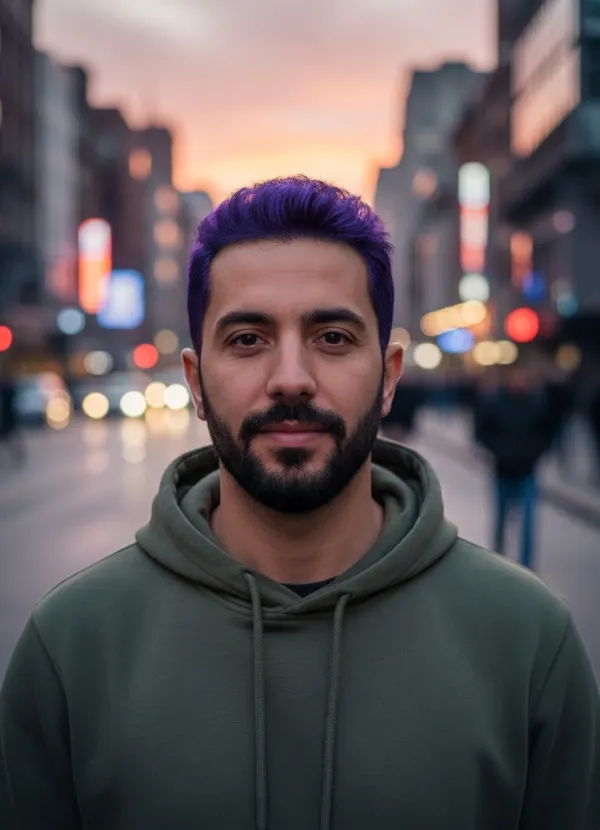
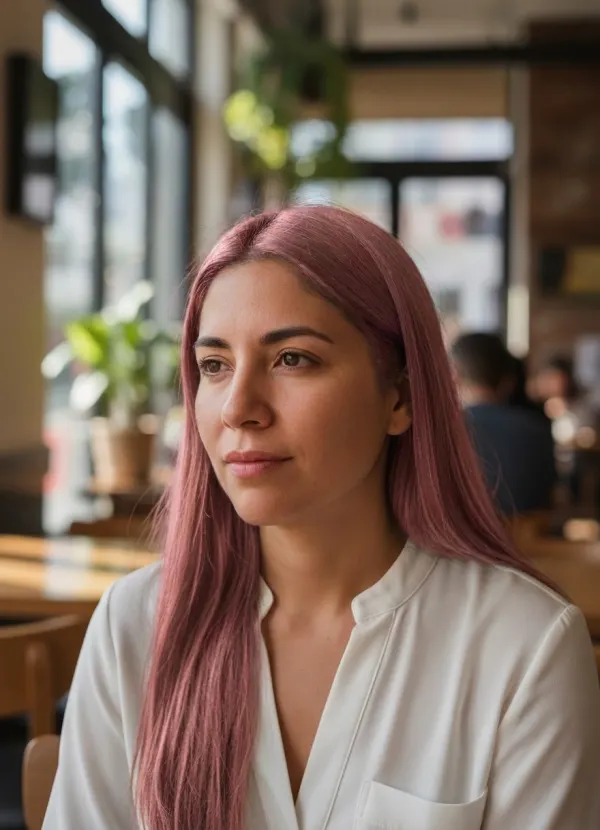
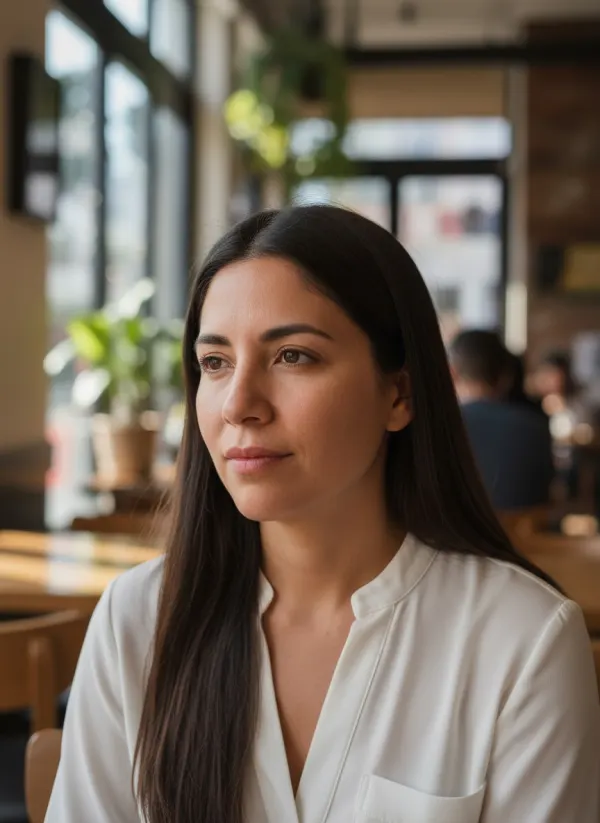
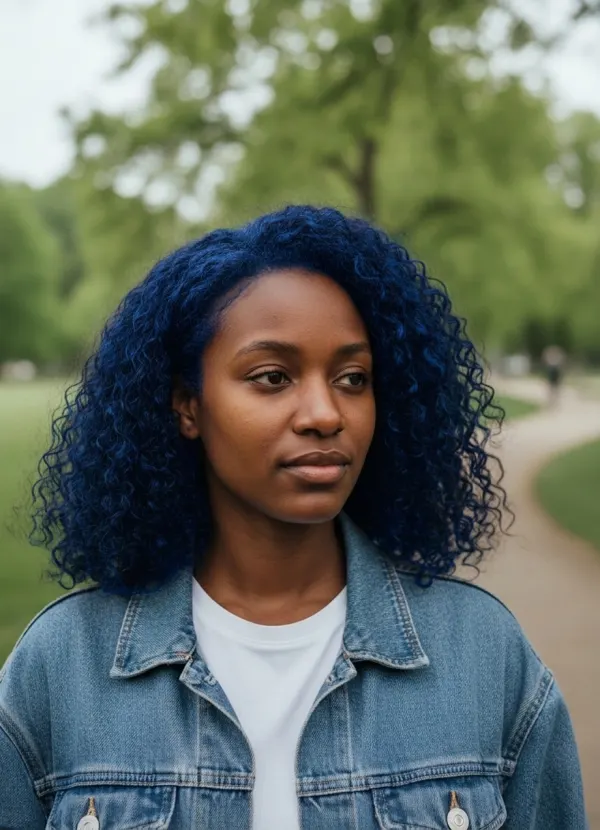
Hair Color Changer Examples: Before and After
Examples show real results from this tool on AI-generated portraits.
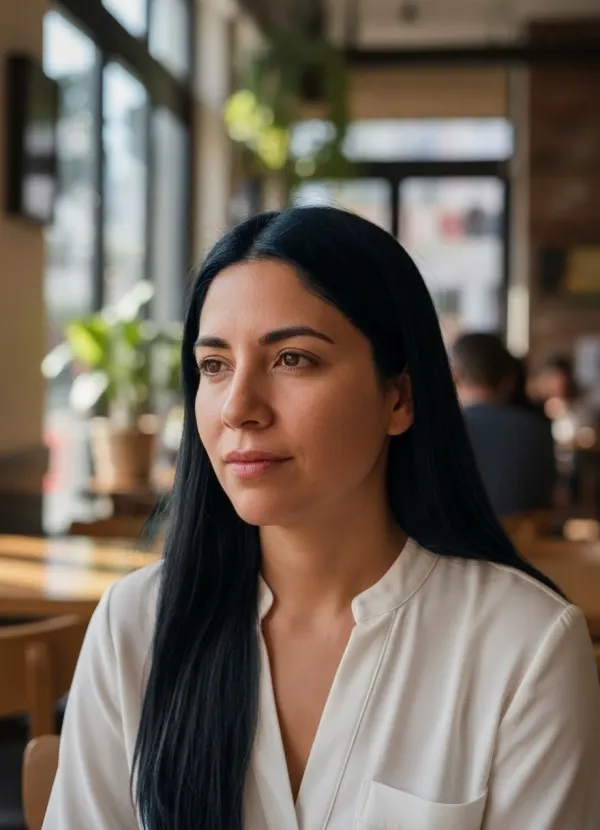
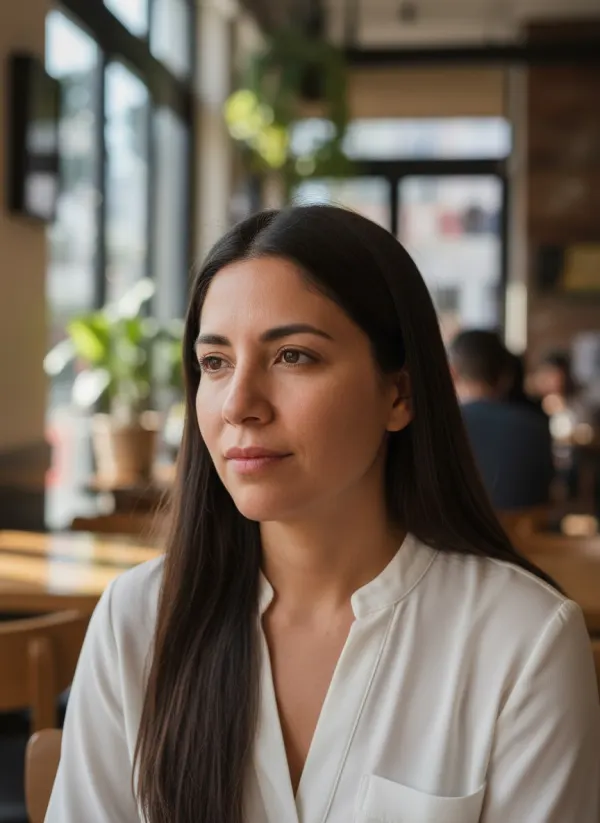 BeforeAfter
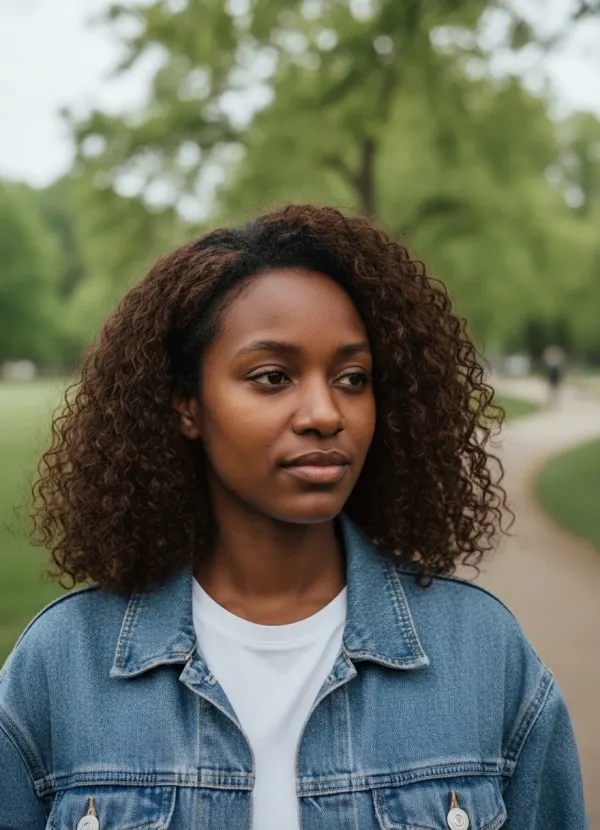
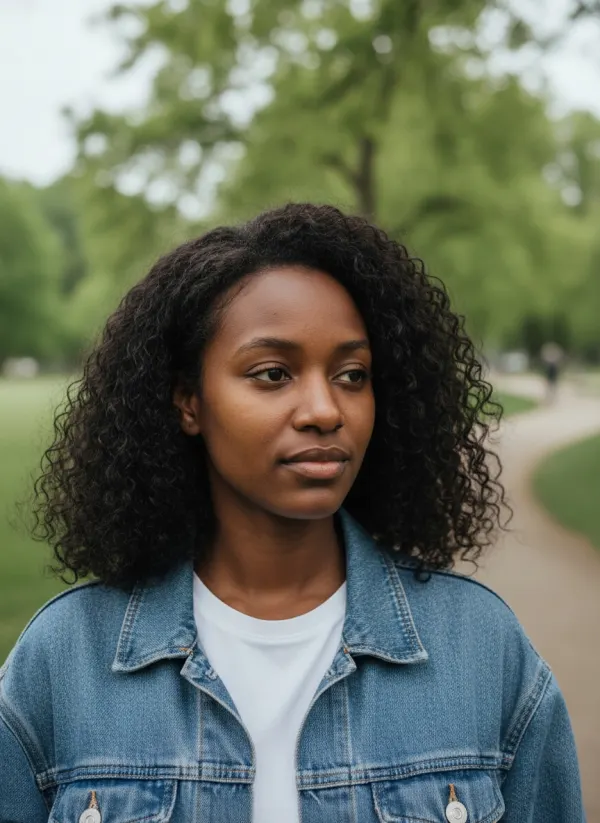 BeforeAfter

 BeforeAfter
 BeforeAfter
 BeforeAfter
 BeforeAfter
Related Hair and Style Tools
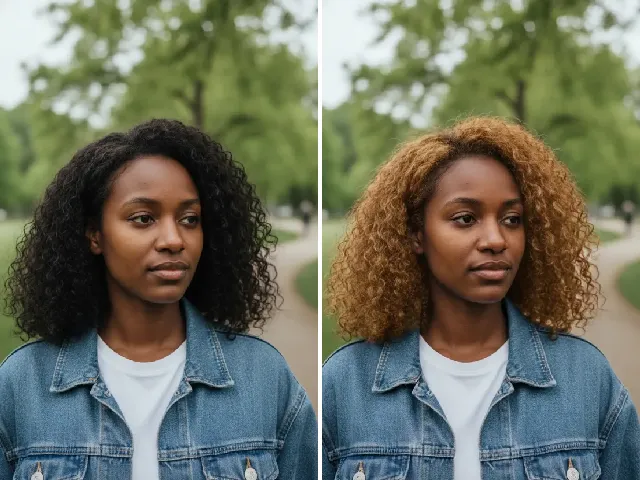 BeforeAfter
Six blonde shades, from platinum and ash to honey and highlights.
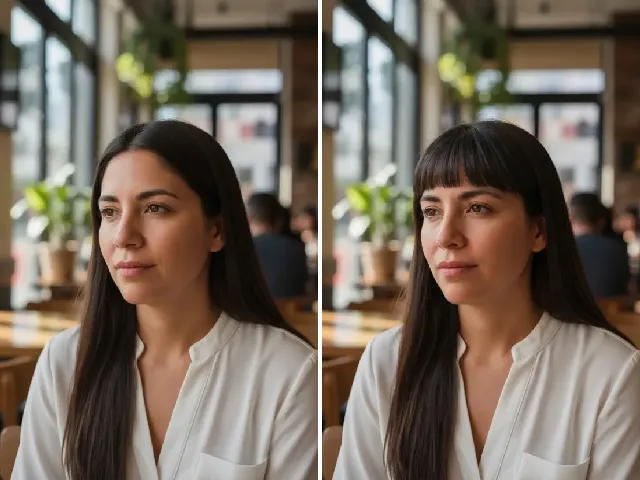 BeforeAfter
New color, new fringe: add bangs to the same photo.
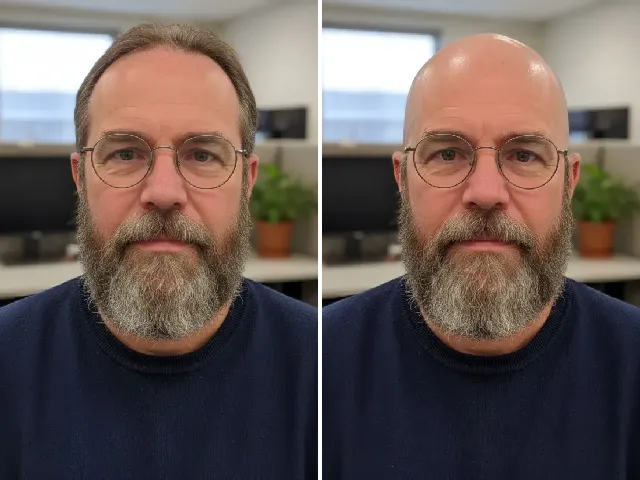 BeforeAfter
Or skip the dye entirely and see yourself with a buzz cut.
 BeforeAfter
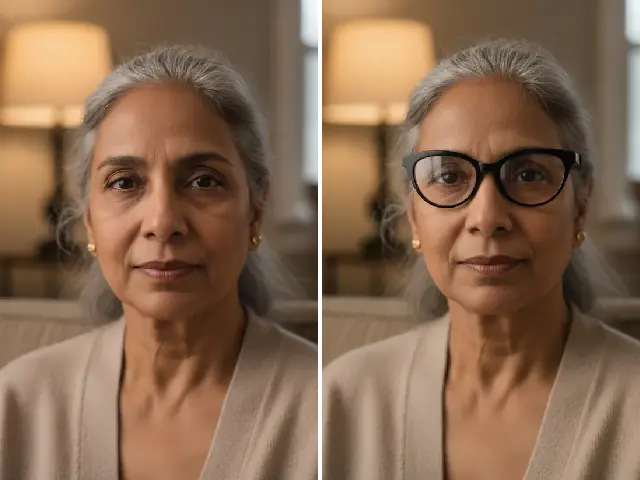
Frames look different with new hair; try a pair on.
Hair Colors You Can Try
Each hair color filter below recolors the hair you already have. The cut, the length, the curl and the parting are left alone, and so are your eyebrows and any beard, which is what keeps the result looking like a dye job rather than a wig.
Black Hair Filter
Jet black with a glossy finish. It is the safest way to see a dramatic darkening, which in real life is easy to do and slow to undo.
Brown Hair Filter
A rich chocolate brown, the gentlest change for most people and a common way back from bleached or very light hair.
Red Hair Filter
Warm copper red. Red flatters warm and neutral undertones and looks very different on fair and deeper skin, so it is worth seeing on your own face.
Golden Blonde Hair
A warm golden blonde. For platinum, ash, honey, dirty blonde or highlights, the blonde hair filter has six shades of its own.
Purple Hair Filter
A saturated violet. On dark hair this usually needs pre-lightening, so a preview tells you whether the commitment is worth it.
Pink Hair Filter
Soft rose pink, from playful to romantic depending on your skin and outfit — one of the most requested fashion colors.
Blue Hair Filter
Bold electric blue with navy in the shadows. The boldest option here, and the one people most often want to see before booking.
Gray Hair Filter
Even silver gray. Only the hair changes, so you see the color at your current age; for an older face, use AI age progression.
What Hair Color Suits Me?
Colorists usually start with undertone. Warm undertones (golden or peachy skin, veins that look green) tend to glow in copper, golden and chocolate shades; cool undertones (pink or rosy skin, bluish veins) are flattered by jet black, ash and blue-based colors such as violet. Eye color and eyebrows matter as much as skin: a color far from your brows reads as more dramatic.
Those are starting points, not rules. Generating two colors from the same photo and switching between them shows you in seconds which one lights up your face.
How the Hair Color Changer Works
- 01
Upload a Photo of Your Hair
A well-lit photo where most of your hair is visible. JPEG, PNG or WebP up to 10 MB.
- 02
Pick a Hair Color
Black, brown, red, blonde, purple, pink, blue or gray.
- 03
Generate the New Color
The color follows your own strands, with natural light and shadow.
- 04
Compare and Download
Slide between before and after, try another color, and keep your favorite.
When a Hair Color Preview Helps
Choose a Fashion Color
Compare pink, purple and blue before committing to bleach and toner.
Go Back to Your Natural Shade
See brown or black on you before covering years of highlights.
Brief Your Colorist
Bring the preview to the salon instead of a photo of someone else.
Try It Before the Dye Goes On
Hair color is the most reversible change you can make to your appearance, and still a slow one to reverse: going darker takes an afternoon, going lighter can take several salon visits, and vivid shades such as blue or purple fade in their own way. A preview on your own photo costs nothing in time and gives your colorist something concrete to work from. Results are visual previews, not a guarantee of how a dye will take on your hair.
Tips for True-to-Life Hair Color
- Show as much hair as possible — no hat, hood or headphones.
- Daylight or white light keeps the new color true.
- Avoid colored lamps and sunset light; they tint the result.
- Use a sharp photo so the color can follow individual strands.
Hair Color: free use, limits and privacy
- Free use
- 1 free AI result a day without an account. It is one daily allowance shared by all the AI tools on Sarnix, reset at 00:00 UTC. A free account adds 4 bonus credits.
- After that
- 2 credits per result. Credit packs start at $4.99 for 30 credits: a one-time payment, no subscription, and credits never expire.
- Failed results
- If a result fails, its credits (or your free try) come back automatically. Photos that don't suit the tool are turned away before anything is charged.
- Photos and output
- JPEG, PNG or WebP up to 10 MB. Adults 18+ only, and only photos you own or have permission to use. One photo and one result per run, downloaded without a watermark.
- Privacy
- Location and camera metadata are removed on upload. Photos and results are stored privately and deleted automatically after 24 hours without an account, or 30 days with one. They are never sold or used to train AI.
Full details: Pricing, Privacy Policy and Refund Policy.
Frequently Asked Questions
Is the hair color changer free?
Yes, as your free AI result of the day: everyone gets one a day without an account, shared across all tools. A free account adds bonus credits; each result uses two credits.
Which hair colors can I try?
Black, brown, red, blonde, purple, pink, blue and gray. For more blonde shades, use the blonde hair filter.
Will my haircut or face change?
No. Only the color of the hair on your head changes. The cut, length, texture, eyebrows, beard and face are kept.
Can I see a dark color on light hair, or the other way round?
Yes. The preview shows the finished color whatever your current shade. In real life, going much lighter usually takes more than one salon visit.
Will gray hair make me look older?
No. Gray changes the hair color only; your skin and features stay as they are. To see yourself at another age, use AI age progression.
Does it work on curly or braided hair?
Yes. The color follows the hair you have, including curls, coils, braids and locs, and keeps their texture.
Is the preview what my hair will look like after dyeing?
It is a close visual guide, not a promise: the real result depends on your hair’s current color, condition and the product used.
What happens to my photo?
It is processed privately to recolor your hair and deleted automatically — after 24 hours without an account, after 30 days with one. We never use photos to train AI.