

See What You’d Look Like Pregnant with AI
Upload a photo that shows you down to your hips and choose a stage. The pregnant AI generator adds a natural baby bump and lets your clothes drape around it — everything else stays you.
Use a photo that shows you at least down to your hips — full-body works best.
This tool creates a creative visualization. It is not a medical, biological or pregnancy prediction.
Photos are processed privately and deleted automatically.
Pregnant AI Generator Examples
Examples show real results from this tool on AI-generated portraits.
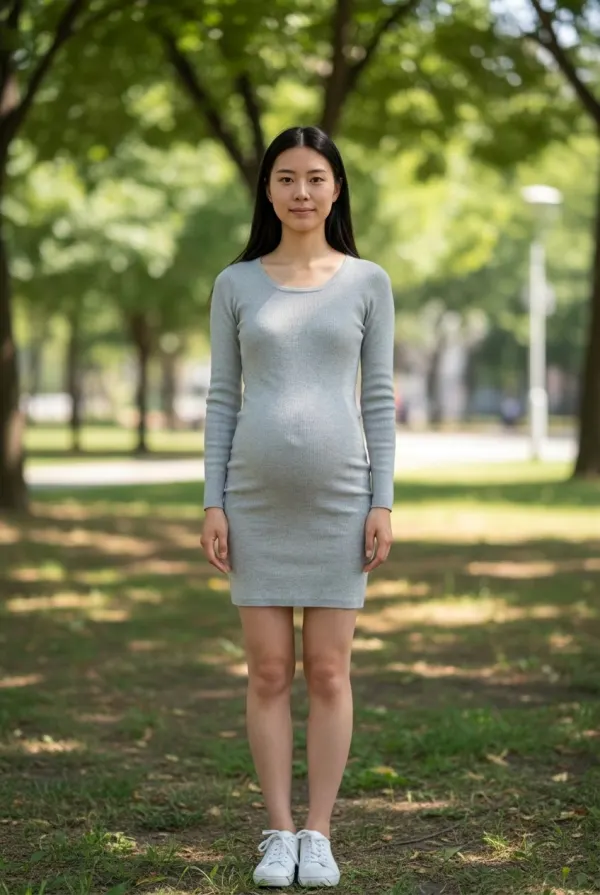
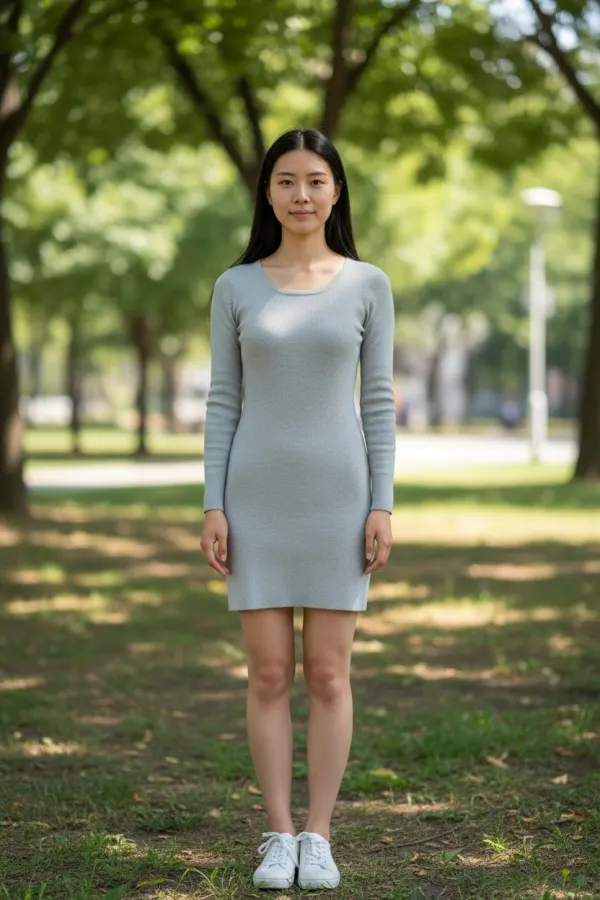 BeforeAfter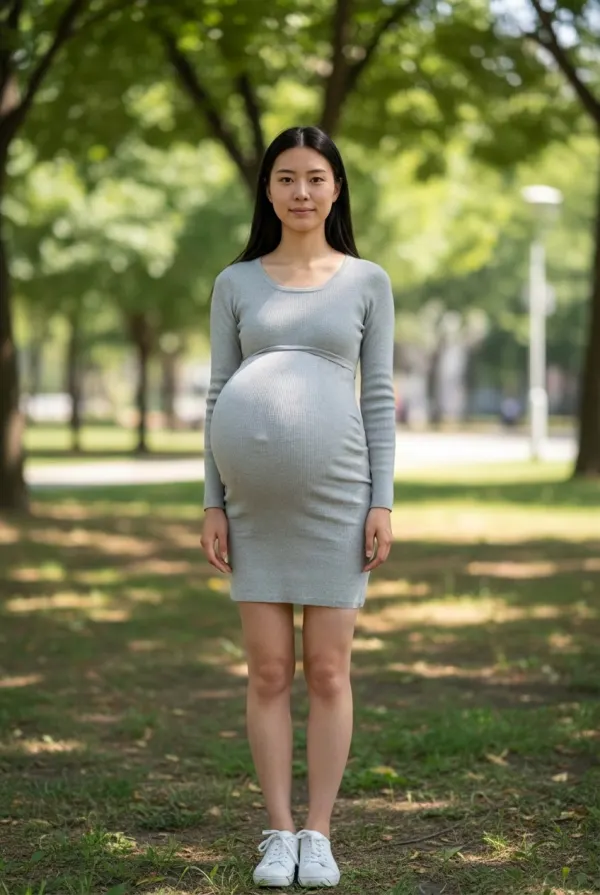
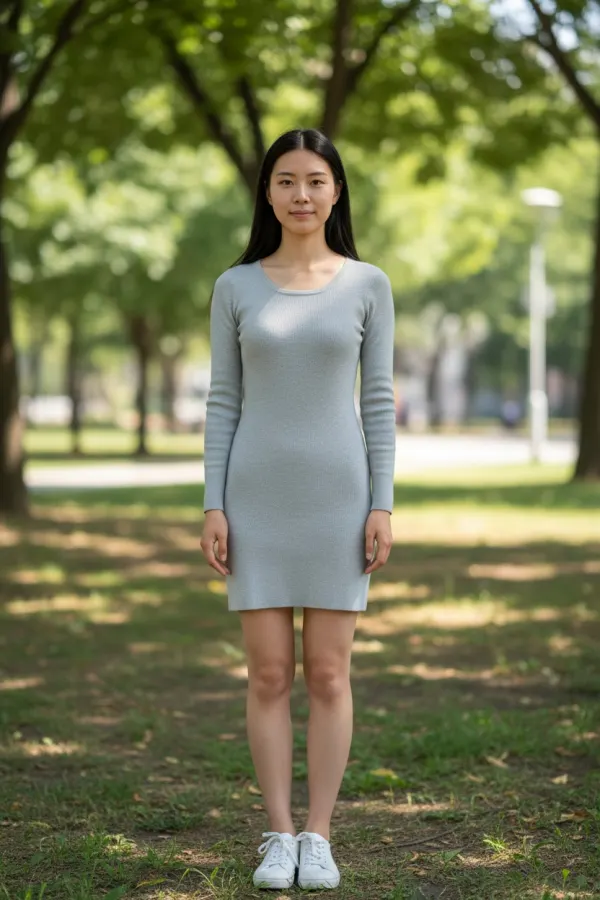 BeforeAfter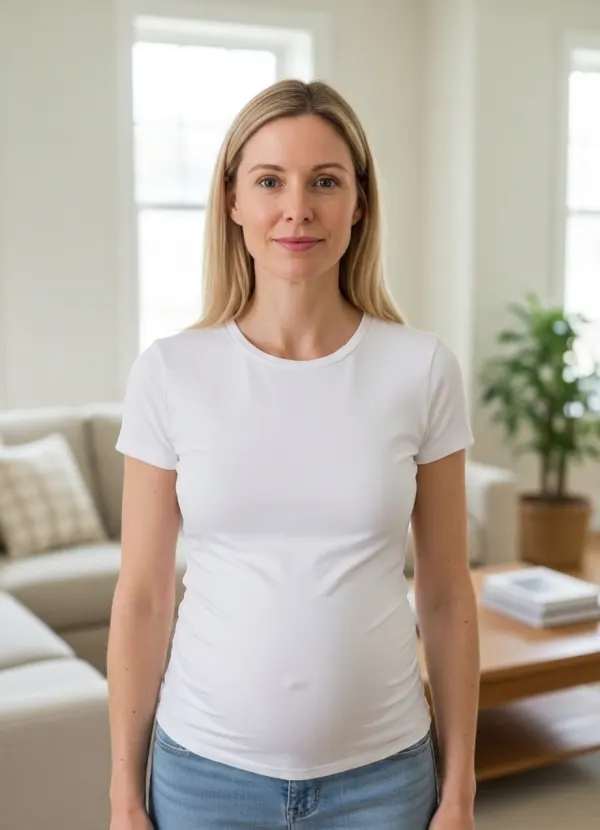
 BeforeAfter
Create a Pregnancy-Style Preview from Your Photo
Most pregnancy filters paste a cartoon belly onto a body. This generator edits the photo you upload instead: it reshapes the belly for the stage you pick and lets your top or dress stretch and fold around it the way real fabric does.
Early Stage
A small, subtle bump — the kind people only notice when they look for it.
Mid Stage
A clearly visible, rounded bump that changes how your clothes sit.
Late Stage
A full, round belly with fabric stretched and draped over it.
Custom Look
Describe what you picture in a few words, such as “small bump, carrying high”.
A Pregnancy Visualization That Still Looks Like You
Only the belly and the way your clothes fall over it change. Your face, hair, pose, outfit colors and background stay as they were, so the preview reads as you rather than a stranger in your clothes.
Every body carries differently, so no image can tell you how a real pregnancy will look. Treat the result as a creative picture of an idea — and only use photos of adults who have agreed to it.
How the Pregnant AI Generator Works
- 01
Upload Your Photo
A full-body photo, or one that shows you at least down to your hips, gives the belly room to appear.
- 02
Choose a Stage
Pick early, mid or late — or choose Custom and describe the look.
- 03
Generate Your Preview
A quick photo check confirms the framing first, so a close-up never uses a credit.
- 04
Compare and Download
Slide between before and after, then save the preview or share it.
Ways to Use a Pregnancy-Style AI Preview
Plan a Maternity or Announcement Shoot
Try poses and outfits with a bump before you book the photographer.
Picture the Future Together
A light-hearted way for couples to imagine a pregnancy side by side.
Costume and Storytelling
Create a pregnant look for film, theater, comics or character concepts.
Tips for a More Natural Result
- Use a photo that shows you at least down to your hips; head-and-shoulders photos can’t show a belly.
- Stand facing the camera or turned slightly to the side.
- Keep arms, bags and tables away from your torso.
- Fitted or medium-fit tops give the most natural fabric drape; very loose layers hide the shape.
- For a before-and-after set, try the same photo at early and late stage.
Related Appearance Tools
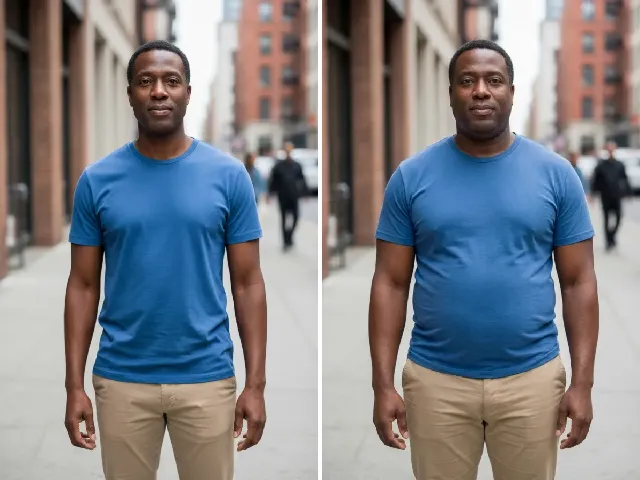 BeforeAfter
AI Fat Filter
Preview a fuller face and body from mild to strong, rather than a bump.
Try it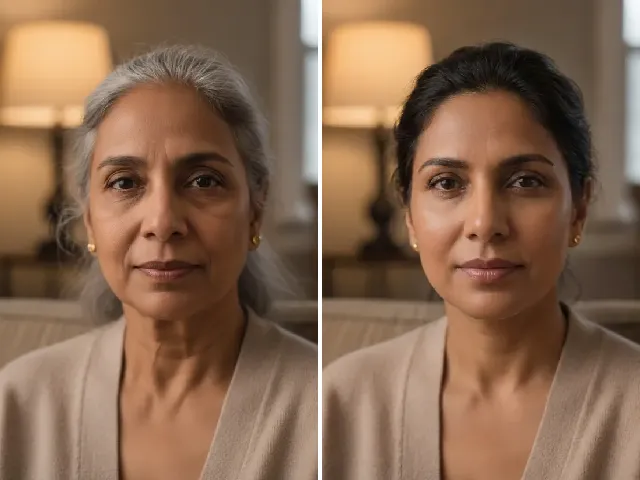 BeforeAfter
AI Age Progression
Picture yourself a few years older, or younger, alongside your pregnancy look.
Try it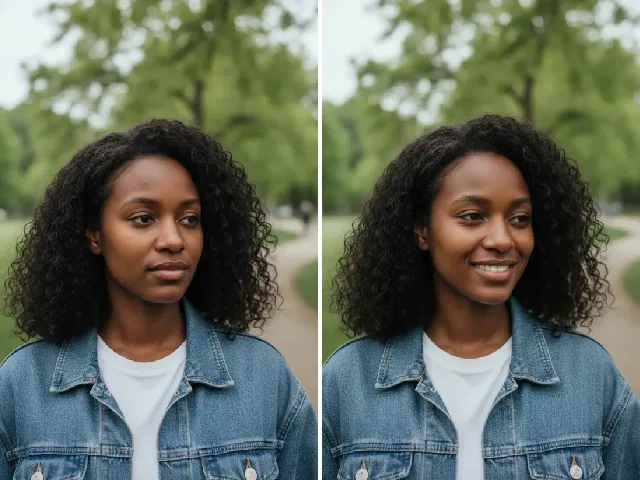 BeforeAfter
AI Smile Filter
Give an announcement photo a warmer, more natural smile.
Try it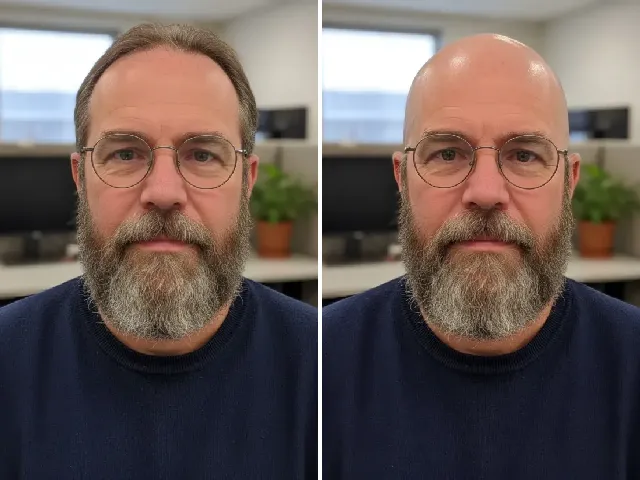 BeforeAfter
AI Bald Filter
Curious about a completely different change? Preview a shaved head or buzz cut.
Try itFrequently Asked Questions
Is the pregnant AI generator free?
You can try it once a day without an account. A free account adds bonus credits; each result uses two credits.
Can I choose an early or late pregnancy look?
Yes. Pick Early, Mid or Late stage, from a subtle bump to a full, round belly.
Will the result still look like me?
That is the aim. Your face, hair, pose, outfit and background are kept; only the belly and the drape of your clothes change.
Does it work with full-body photos?
Full-body photos work best. A photo that shows you down to your hips also works; close-up face photos are stopped before any credit is used, because they can’t show a belly.
Can I describe a custom pregnancy style?
Yes. Choose Custom and describe the look in a few words, for example “small bump, carrying low”.
Is this a medical or biological prediction?
No. It is a creative visualization, not a medical, biological or pregnancy prediction. Real pregnancies vary a lot from person to person.
What happens to my uploaded photo?
Your photo is used only to create the preview and is deleted automatically — after 24 hours without an account, after 30 days with one. It is never used to train AI.