
AI Face Filters & Makeover Tools
Pick a tool, upload a photo, and preview the change before you do it for real.
All Tools
 BeforeAfter
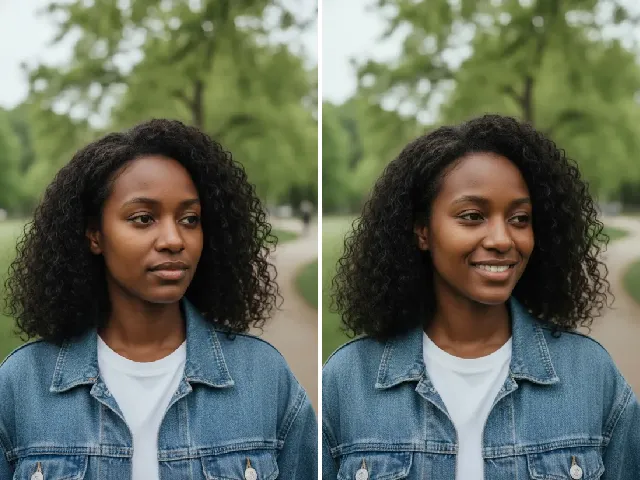
Turn a serious face into a natural smile in seconds.
 BeforeAfter
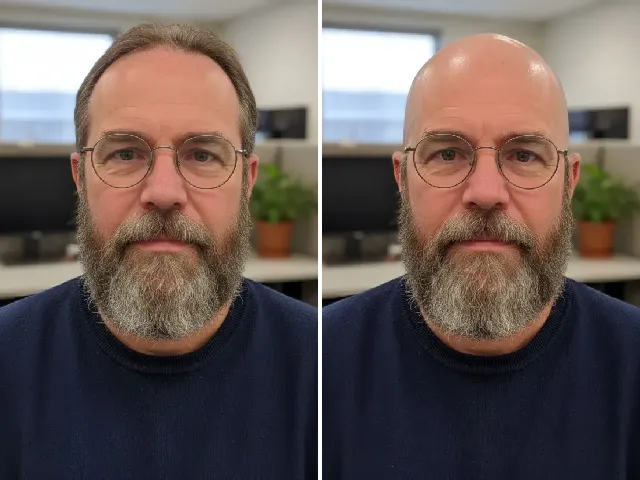
Preview a shaved head or buzz cut before you commit.
 BeforeAfter
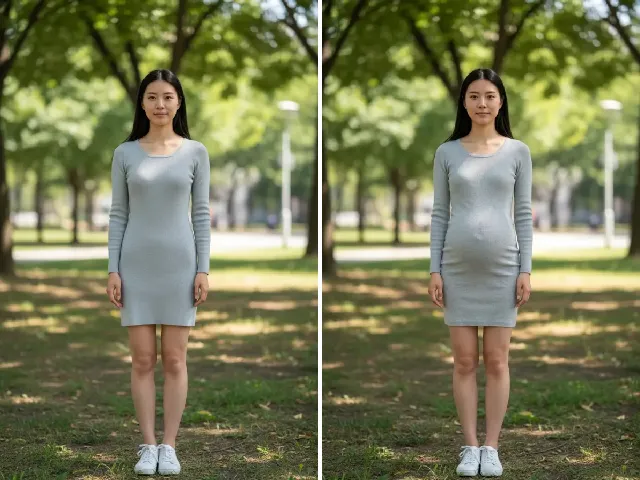
Add a natural baby bump to your photo — early, mid or late.
 BeforeAfter
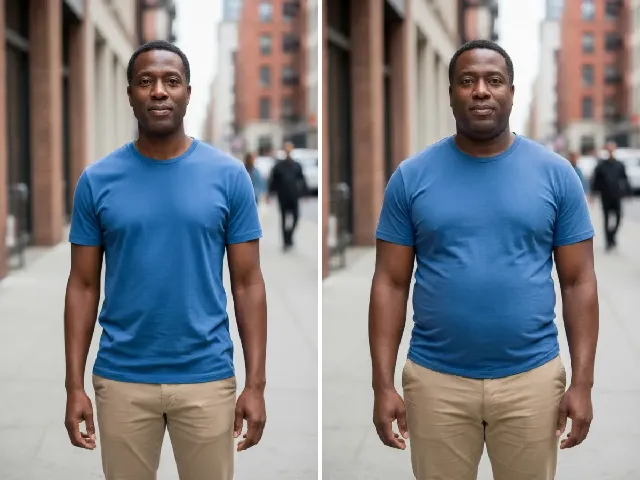
See a realistic fuller face or body, from mild to strong.
 BeforeAfter
90s Photo Filter
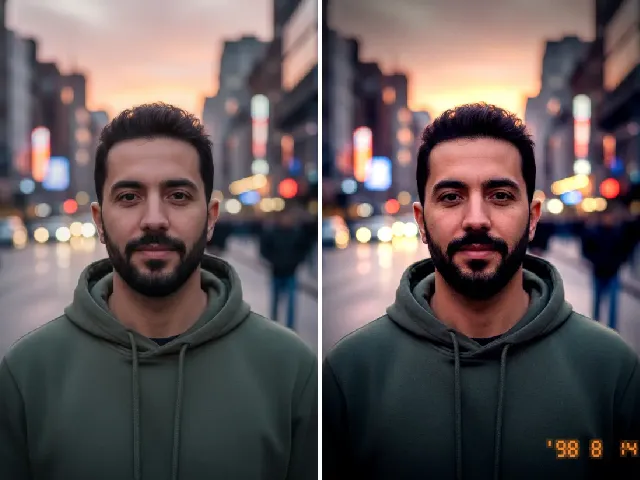
FreeFree retro film look with grain and a date stamp — no upload.
 BeforeAfter
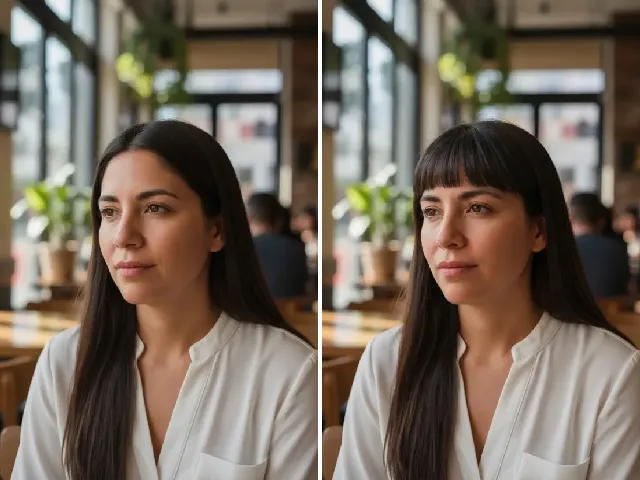
Try curtain, wispy or straight bangs before the haircut.
 BeforeAfter
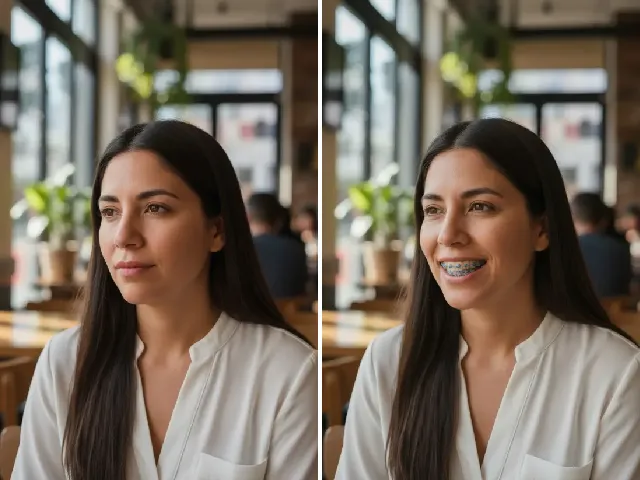
Try metal, ceramic or colored braces on your own smile.
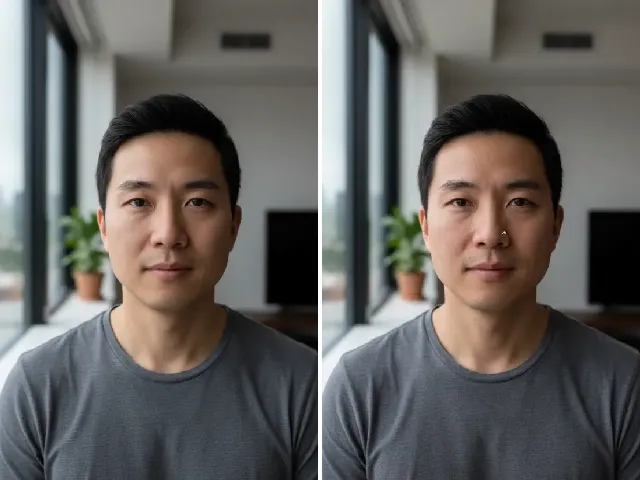 BeforeAfter
See a nose ring, septum or ear piercing on your own face.
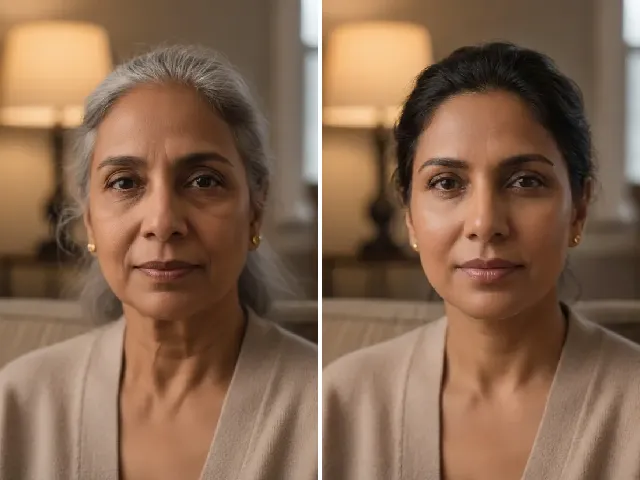 BeforeAfter
See yourself at 30, 60 or 90 — older or younger.
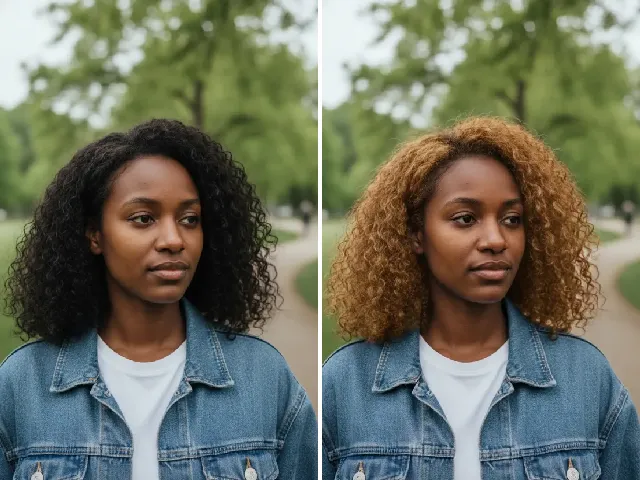 BeforeAfter
Try golden, platinum or ash blonde before you dye.
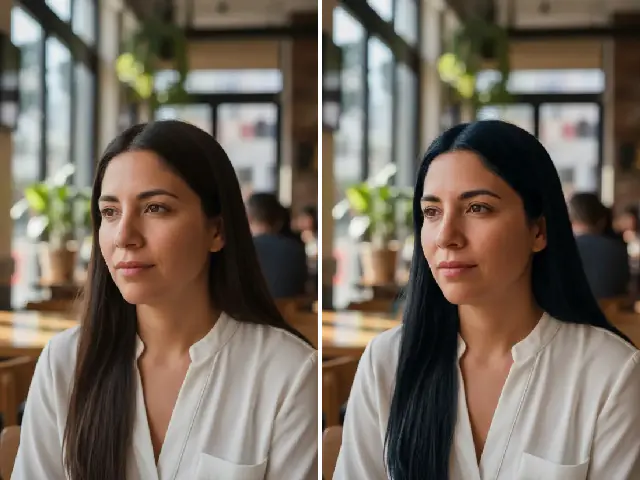 BeforeAfter
See black, brown, red, pink or blue hair before you dye.
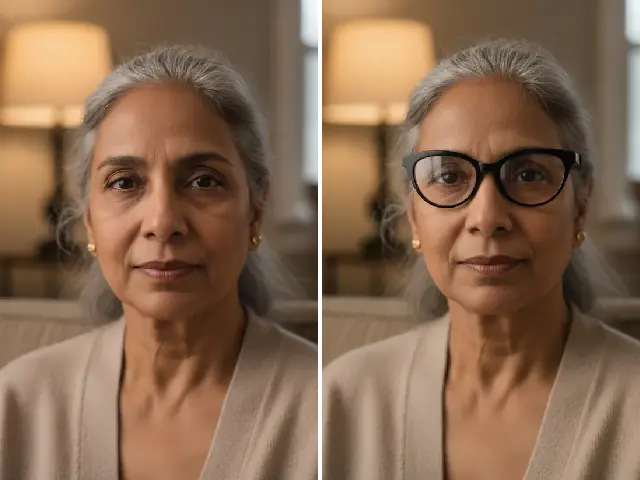 BeforeAfter
Try round, cat-eye, aviator and more frames on your face.
An AI face filter here edits one feature of your photo and leaves the rest alone. Upload a clear picture, pick a style, and the tool changes only what you chose — the smile, the hairline, the hair color, the teeth — while your face, lighting and background stay as they were. It all works in your web browser, with no app to install. Without an account you get one free AI result a day across all tools, and the 90s filter is always free; after that, tools cost one or two credits per result. Every result is a creative preview to help you decide, not a prediction.
Appearance Simulation
Appearance simulations preview bigger changes to how you look: a natural smile on a serious photo, a clean-shaven head, a baby bump, a fuller face and figure, or your face decades older or younger. They answer the questions people ask before a decision — would a buzz cut suit me, what might we look like at seventy — and they keep your identity, so the answer is about you rather than a lookalike.
Hair Preview
Hair previews put a cut or a color on your real hair before you book the salon. The Bangs Filter tries curtain, wispy, straight, side, front or short bangs that follow your face and part; the Hair Color Changer tries black, brown, red, purple, pink, blue or gray, and the Blonde Hair Filter has six blonde shades of its own — no dye or bleach involved.
Glasses, Braces & Piercings
These tools add something to your face so you can judge it in a photo before you shop or book. The Glasses Filter tries round, cat-eye, aviator and other frame shapes, as clear glasses or sunglasses. The Braces Filter puts metal, ceramic, colored-band or gold braces on your teeth; the Piercing Filter places a nose stud, hoop, septum, lip, eyebrow or ear piercing on the side you pick. Use them to choose a look — your optician, orthodontist or piercer handles the real thing.
Photo Effects
Photo effects restyle the whole picture instead of one feature. The 90s Photo Filter gives any photo the soft color, grain and orange date stamp of a film snapshot or disposable camera, with five looks and sliders for warmth, contrast and more. It runs entirely on your device: the photo is never uploaded and the filter is always free.